
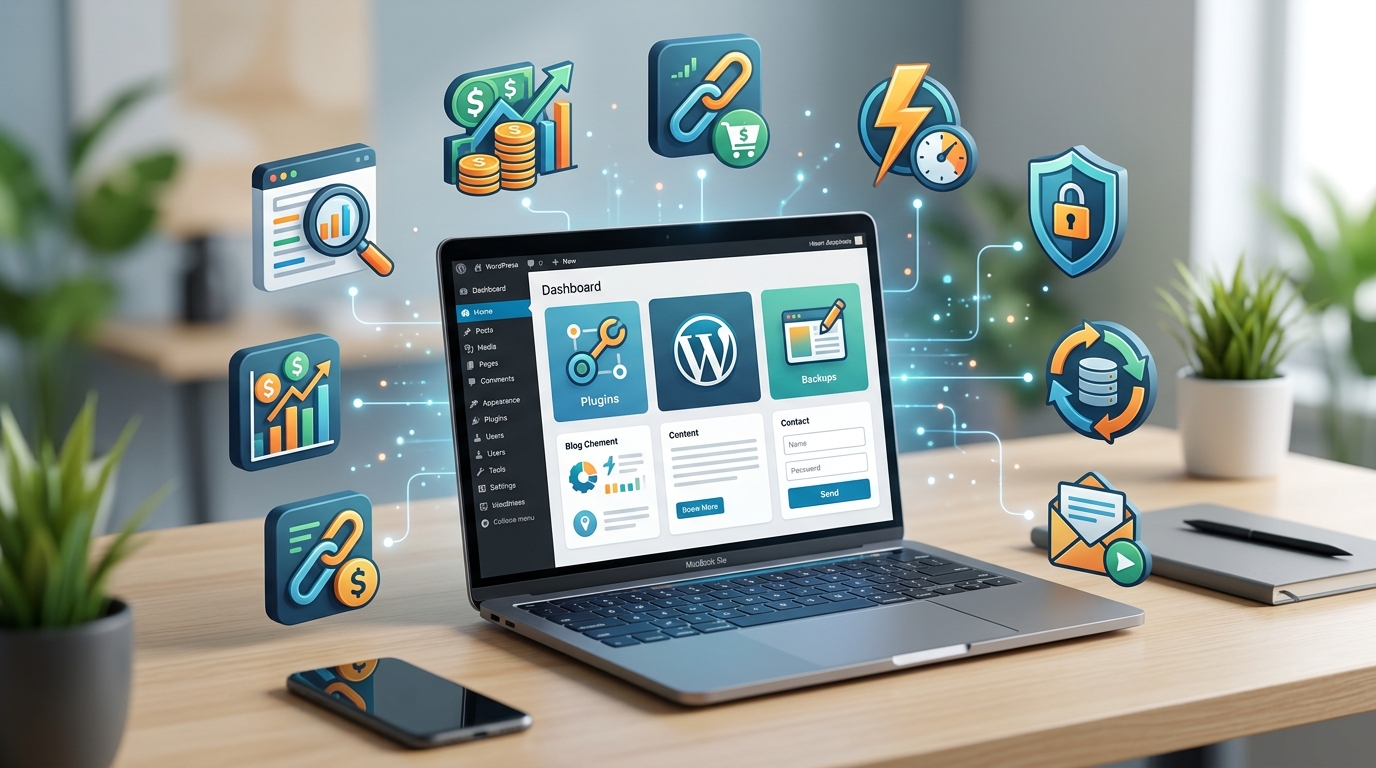
Setting up your first WordPress blog feels exciting until you realize there are over 60,000 plugins available. Which ones actually matter for making money? Most new bloggers install way too many or miss the critical ones that drive revenue. I’ve tested hundreds of plugins across dozens of monetized sites, and the truth is you only need a handful to get started right.
Essential WordPress plugins for bloggers fall into five categories: [SEO optimization](https://en.wikipedia.org/wiki/Search_engine_optimization), caching and speed, email list building, ad management, and security. Installing the right foundation plugins from day one saves you from costly migrations later and sets up proper monetization infrastructure. Focus on quality over quantity, choosing tools that work together rather than against each other.
Why most bloggers install the wrong plugins first
The plugin directory makes every tool look equally important. Fancy sliders, complex page builders, and dozens of social sharing buttons seem appealing when you’re just starting out.
But here’s what actually happens.
Your site slows down. Pages that should load in two seconds take eight. Google penalizes you in search rankings. Visitors bounce before your content even appears.
I made this mistake with my first blog in 2019. I installed 23 plugins in the first week because each one promised to solve a specific problem. My hosting provider sent me a warning about server resources. My bounce rate hit 78%.
The plugins that matter for monetization are different from the ones that look cool. Revenue comes from search traffic, email subscribers, and properly placed ads. Everything else is secondary.
The five plugin categories that drive blog revenue
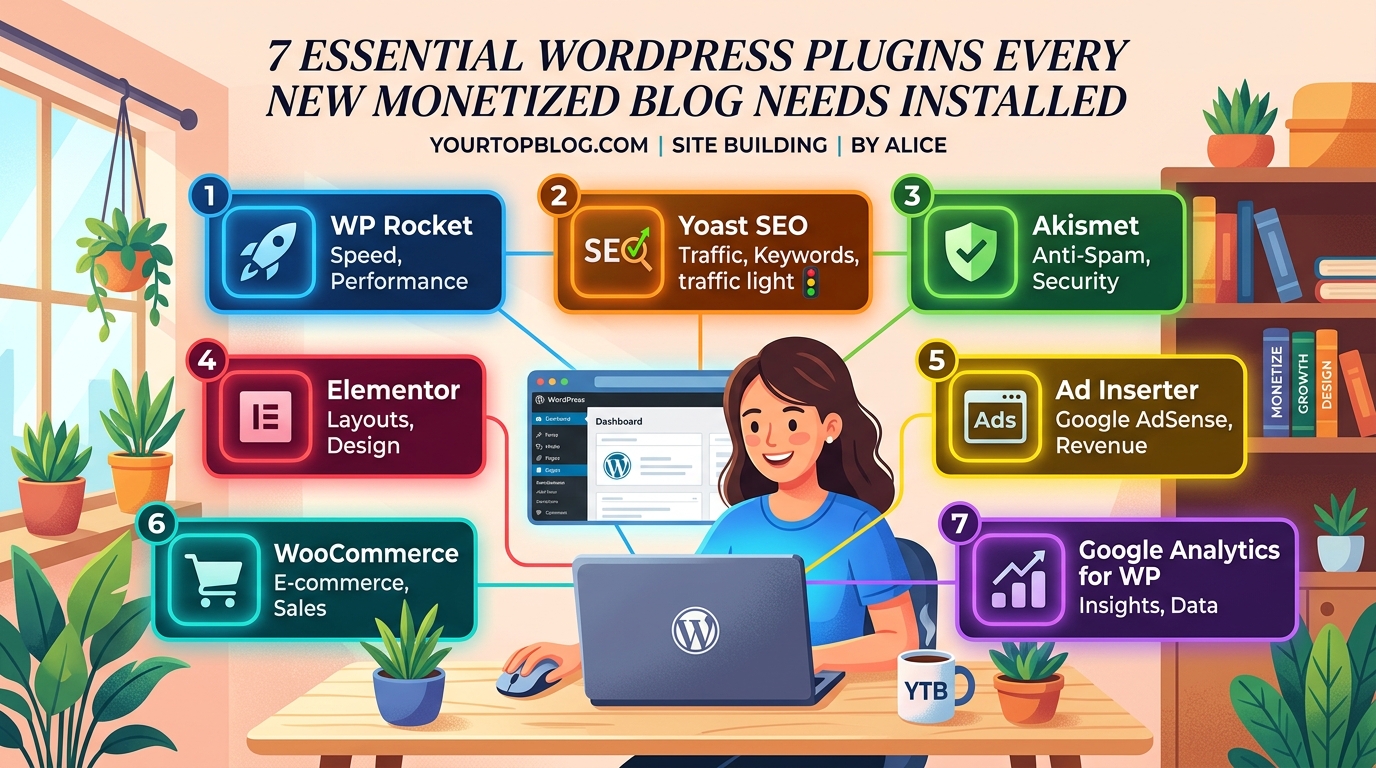
Before we get into specific tools, you need to understand what each category does for your bottom line.
SEO plugins help Google find and rank your content. Without organic search traffic, you have no visitors to monetize.
Caching and speed plugins make your site load faster. Every second of delay costs you 7% of conversions according to multiple studies.
Email capture plugins turn anonymous visitors into subscribers you can market to repeatedly.
Ad management plugins optimize where and how ads appear to maximize revenue per visitor.
Security plugins protect your income stream from hackers who want to inject spam or steal your domain.
Each category needs exactly one plugin. More than that creates conflicts and slows everything down.
Setting up your SEO foundation properly
Search engine optimization determines whether anyone finds your blog in the first place. You could write the best content in the world, but without proper SEO structure, it sits invisible on page 47 of Google results.
Most bloggers choose between two main SEO plugins. Both handle the technical requirements Google cares about.
The first option gives you granular control over every meta tag, schema markup type, and XML sitemap setting. It’s powerful but has a learning curve.
The second option makes better guesses about what you want and requires less configuration. It works great for beginners who just want things set up correctly without becoming SEO experts.
I recommend the simpler option for your first six months. You can always switch later if you need advanced features.
Install your SEO plugin before you publish your first post. Changing SEO settings after you have 50 articles indexed creates redirect nightmares and can temporarily tank your rankings.
Once installed, focus on these three settings:
- Enable XML sitemaps so Google can find all your pages
- Set up breadcrumb navigation for better internal linking
- Configure social media previews so your posts look good when shared
Everything else can wait until you understand how targeting the right keywords actually works.
Making your site load fast enough to keep visitors
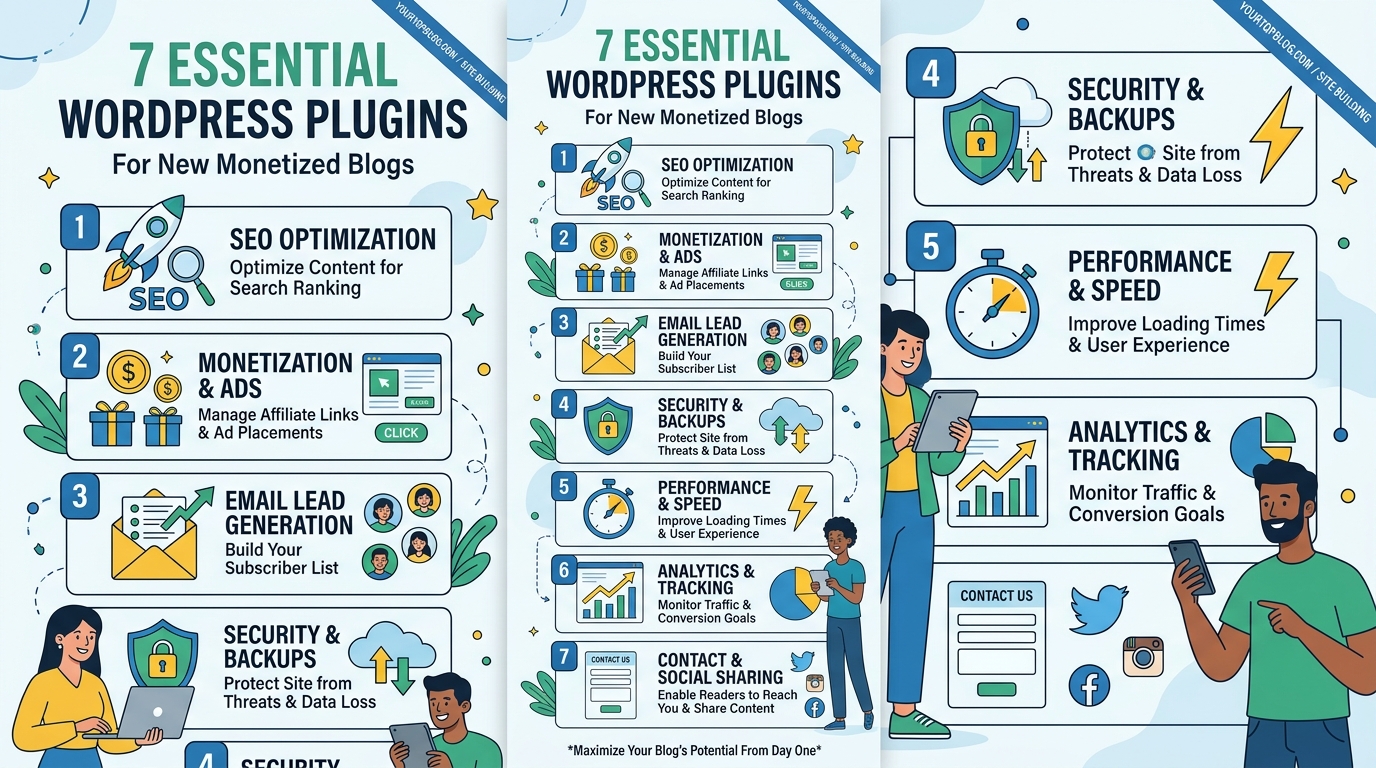
Site speed directly impacts how much money you make. Amazon found that every 100ms of latency cost them 1% in sales. Your blog faces the same reality.
Caching plugins store pre-built versions of your pages so the server doesn’t have to generate them from scratch every time someone visits. This cuts load times by 50% to 80% in most cases.
The best caching plugins handle multiple optimization tasks:
- Browser caching for repeat visitors
- File compression to reduce download sizes
- Lazy loading for images below the fold
- Minification of CSS and JavaScript files
Some caching plugins are free with limited features. Others charge monthly fees but include CDN integration and advanced optimization.
For a new blog, the free version of any major caching plugin handles your needs perfectly. You won’t see meaningful performance differences until you’re getting 10,000+ visitors per month.
Just avoid installing multiple caching plugins at once. They fight over the same functions and often break your site completely.
Building your email list from day one
Email subscribers are worth 10x more than social media followers. You own the list. You can contact them whenever you want. And they convert to paid products at much higher rates.
But visitors won’t hand over their email address for nothing. You need a compelling reason and an easy way to subscribe.
Email capture plugins let you create opt-in forms that appear in strategic locations:
- Popup overlays after someone reads for 30 seconds
- Inline forms between paragraphs in your content
- Sidebar widgets that stay visible while scrolling
- Footer bars that don’t block content
The key is testing different placements to see what converts without annoying people. A popup that appears immediately when someone lands on your site kills your credibility. One that waits until they’ve read half your article performs much better.
Most email plugins integrate with major email service providers. Make sure the one you choose connects to your email platform before you install it.
I’ve seen bloggers grow from zero to 50,000 monthly visitors but make almost no money because they never captured emails. Don’t make that mistake.
Managing ads without destroying user experience
Ad revenue scales with traffic, but only if you place ads correctly. Too many ads and visitors leave immediately. Too few and you’re leaving money on the table.
Ad management plugins help you control where ads appear and how they behave on different devices. The best ones work with multiple ad networks, not just Google AdSense.
Key features to look for:
- Automatic ad insertion at optimal positions
- Mobile-specific ad sizes and placements
- A/B testing different ad configurations
- Revenue tracking across multiple networks
Some plugins charge a percentage of your ad revenue. Others have flat monthly fees. A few are completely free but offer fewer features.
For new bloggers just getting approved for AdSense, a free ad plugin works fine. You can upgrade once you’re making $500+ per month and want more optimization options.
The biggest mistake is manually placing ad code in every post. That becomes impossible to manage once you have 100+ articles. Let the plugin handle placement automatically based on rules you set once.
Common AdSense mistakes often come from poor ad placement rather than low traffic. Get the technical setup right from the start.
Protecting your blog from security threats
Hackers love WordPress blogs because they’re common and often poorly secured. A compromised site can lose all its search rankings overnight when Google flags it as malicious.
Security plugins monitor for suspicious activity and block common attack patterns. They’re like insurance you hope to never need but can’t afford to skip.
Basic security features every plugin should include:
- Firewall protection against known threats
- Login attempt limiting to stop brute force attacks
- Malware scanning on a regular schedule
- File change monitoring to catch unauthorized edits
Free security plugins cover the essentials. Premium versions add features like real-time threat intelligence and automatic malware removal.
The most important security step happens before you install any plugin. Use a strong admin password. Enable two-factor authentication. Keep WordPress and all plugins updated.
I’ve watched bloggers lose months of work because they ignored security until after getting hacked. The recovery process is painful and sometimes impossible.
Comparing essential plugin features at a glance
| Plugin Category | Free Option Sufficient | Premium Worth It When | Biggest Mistake to Avoid |
|---|---|---|---|
| SEO | Yes, for first year | 10,000+ monthly visitors | Installing multiple SEO plugins |
| Caching | Yes, until 5,000 visitors | Site speed under 2 seconds | Enabling all features at once |
| Email Capture | Depends on email platform | 1,000+ subscribers | Annoying popups on arrival |
| Ad Management | Yes, for single network | Multiple ad networks | Manual code in every post |
| Security | Yes, with updates | After first hack attempt | Ignoring update notifications |
How to install plugins without breaking your site
Plugin installation seems straightforward, but the order matters. Installing everything at once makes troubleshooting impossible if something goes wrong.
Follow this sequence:
- Install and activate your SEO plugin first
- Add the caching plugin and test site speed
- Set up email capture forms and verify they work
- Install ad management once you have approval
- Add security protection last
Between each installation, visit your site in an incognito browser window. Make sure everything still loads correctly. Check that existing features still work.
If your site breaks, you know exactly which plugin caused the problem. Deactivate it, fix the issue, then try again.
Some plugins conflict with specific themes or hosting environments. Read recent reviews before installing anything. Look for complaints about compatibility issues.
What to do after your core plugins are running
Once you have the five essential categories covered, resist the urge to keep installing more plugins. Every additional plugin is another potential security vulnerability and performance drain.
Instead, focus on creating content that ranks. Use your SEO plugin to optimize each post. Let your caching plugin handle speed automatically. Build your email list with valuable opt-in incentives.
Most successful bloggers I know run fewer than 15 total plugins. They choose tools that handle multiple functions rather than single-purpose plugins for every small task.
Your on-page SEO checklist matters more than having the perfect plugin setup. Great content with basic plugins outperforms mediocre content with premium tools every time.
As your traffic grows, you can add specialized plugins for specific needs. Affiliate link management becomes important once you’re promoting multiple products. Analytics plugins help when you need data beyond what Google Analytics provides.
But those additions come later. Right now, you need the foundation that supports monetization without slowing you down.
Plugin combinations that work together smoothly
Some plugins play nicely together. Others create conflicts that crash your site or cause weird display issues.
I’ve tested hundreds of plugin combinations across different hosting providers. These pairings consistently work without problems:
- Any major SEO plugin plus any caching plugin
- Email capture tools plus ad management plugins
- Security plugins plus all other categories
The combinations that cause trouble:
- Multiple caching plugins activated simultaneously
- Two different SEO plugins trying to control the same settings
- Page builder plugins plus certain caching configurations
If you’re using a managed WordPress host, they often include caching at the server level. Adding a caching plugin on top can actually make things slower. Check with your host first.
When to upgrade from free to premium versions
Free plugins get you started, but premium versions offer features that matter once you’re making money.
Upgrade your SEO plugin when you need advanced schema markup for rich snippets in search results. This typically matters after you have 50+ published posts.
Upgrade your caching plugin when free optimization no longer gets you under a two-second load time. This usually happens around 10,000 monthly visitors.
Upgrade your email plugin when you need advanced segmentation and automation. Basic forms work fine until you have 1,000+ subscribers.
Keep your ad management and security plugins free unless you have specific needs the free version doesn’t cover.
The money you spend on premium plugins should come from revenue those plugins help generate. Paying $200 per year for tools before you’re making $200 per month doesn’t make sense.
Avoiding the plugin bloat trap
Every plugin promises to solve a problem. But installing too many creates more problems than it solves.
Plugin bloat happens gradually. You add one tool for social sharing. Another for related posts. A third for table of contents. Before you know it, you have 40 plugins and your site takes 12 seconds to load.
Set a hard limit of 20 total plugins. When you want to add something new, remove something old first. This forces you to evaluate whether each tool actually earns its place.
Audit your plugins every three months:
- Deactivate anything you haven’t used in 30 days
- Delete plugins that duplicate functionality
- Replace three single-purpose plugins with one multi-function tool
- Check if your theme includes features you’re using plugins for
Many modern WordPress themes include built-in social sharing, related posts, and basic SEO features. You might not need separate plugins for these functions.
Understanding plugin updates and compatibility
WordPress releases major updates several times per year. Plugins need updates to stay compatible and secure.
Outdated plugins are the number one cause of hacked WordPress sites. Hackers specifically target known vulnerabilities in old plugin versions.
Enable automatic updates for minor plugin releases. These are bug fixes and security patches that rarely cause problems.
Manually review major plugin updates before installing them. Check the changelog to see what changed. Read recent reviews to catch any new compatibility issues.
Some bloggers delay all updates out of fear something will break. This is riskier than updating promptly. The longer you wait, the more vulnerable your site becomes.
Before updating any plugin, make a complete backup of your site. Most hosting providers offer one-click backups. Use them.
If an update does break something, you can restore the backup and troubleshoot the issue without losing content or traffic.
Building multiple income streams with the right foundation
Essential WordPress plugins for bloggers create the infrastructure for monetization. But the real money comes from stacking multiple revenue models on top of that foundation.
Your SEO plugin helps you rank for keywords that attract buyers. Your email plugin captures those visitors for future promotions. Your ad plugin monetizes the traffic that doesn’t convert immediately.
Together, these tools support passive income streams that compound over time. Each new post you publish benefits from the optimization and monetization infrastructure you built from day one.
The bloggers making serious money didn’t get there by installing every shiny plugin they found. They chose essential tools, configured them properly, and then focused on creating content that drives traffic.
Your plugin setup should fade into the background. It should work automatically so you can spend your time writing, promoting, and building relationships with your audience.
Getting your plugin foundation right from the start
The essential WordPress plugins for bloggers haven’t changed much in the past five years. SEO, speed, email, ads, and security remain the core categories that drive results.
What has changed is how much easier these tools have become to use. You don’t need to be a developer or technical expert to set up a properly monetized blog anymore.
Install one plugin from each category. Configure the basic settings. Then get back to creating content that solves real problems for your target audience.
Your plugin foundation supports everything else you build. Get it right now, and you won’t need to rebuild later when you’re finally getting traction.