
You’re ready to build your website, but the platform choice feels overwhelming. WordPress powers 43% of the web. Wix promises drag-and-drop simplicity. Custom code offers total control. Each path leads to different outcomes for your time, money, and earning potential.
WordPress offers the best balance for most bloggers and small businesses, with powerful monetization options and moderate learning curve. Wix works for simple sites needing zero technical skills. Custom code suits developers or unique projects requiring complete control. Your choice depends on budget, technical comfort, growth plans, and how you’ll make money from your site.
Understanding what each platform actually gives you
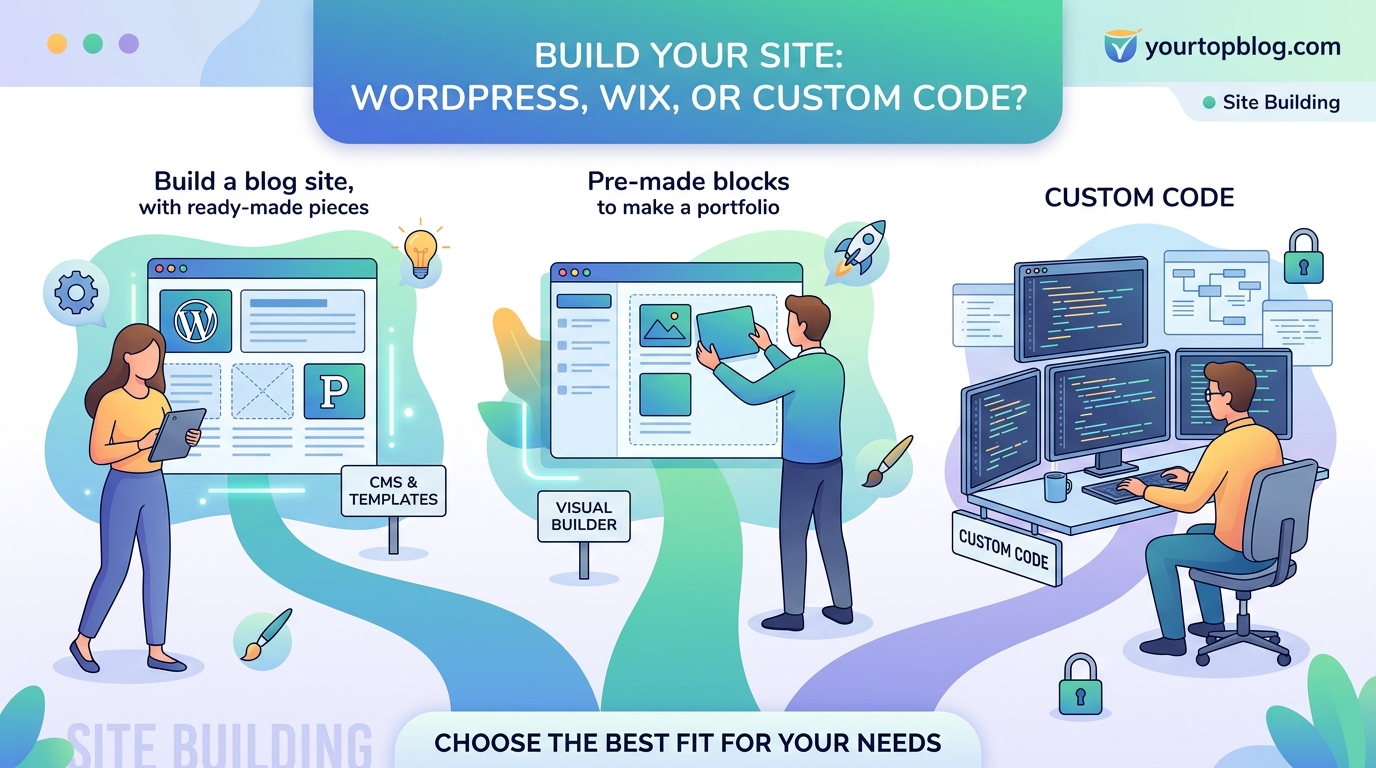
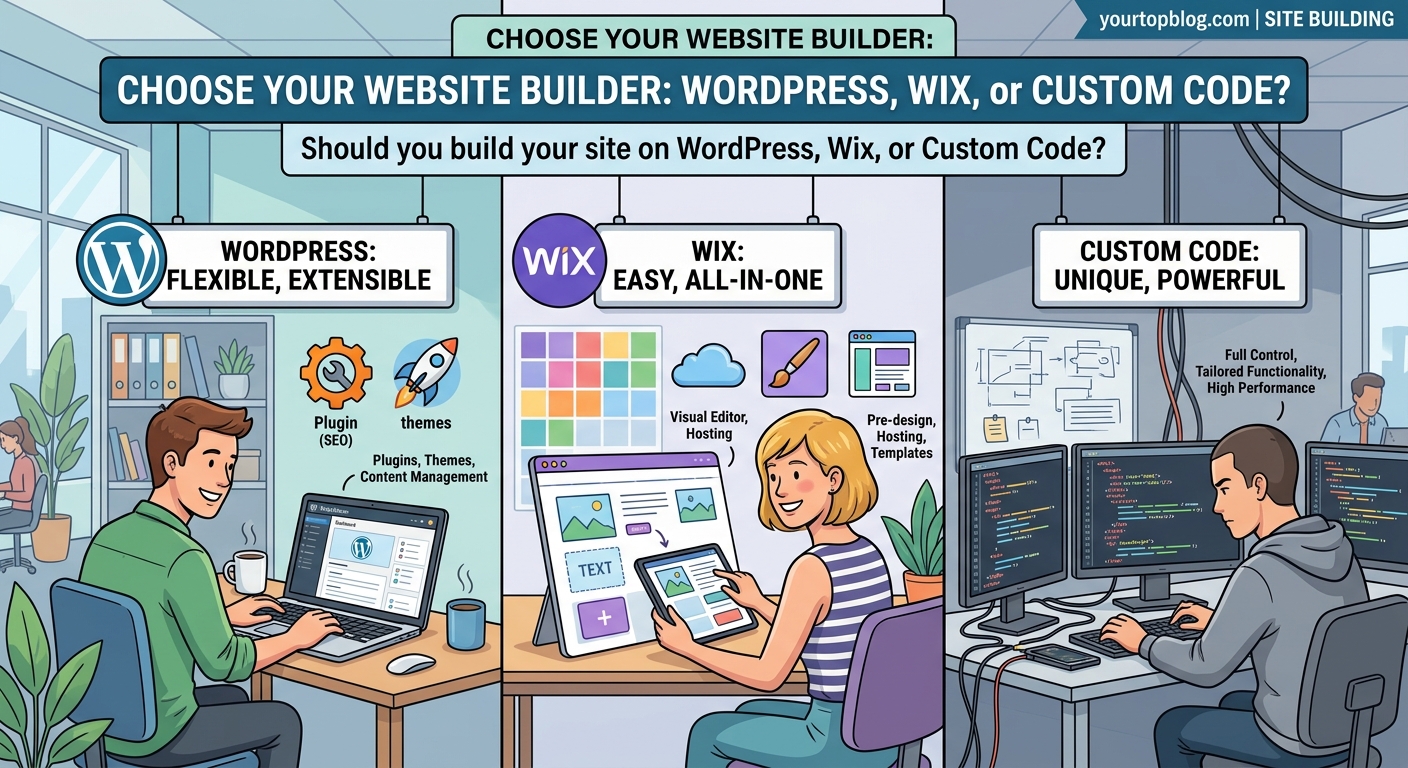
WordPress is open-source software you install on web hosting. You own everything. The core is free, but you pay for hosting, themes, and plugins.
Wix is a hosted platform. You rent space on their servers. Everything lives in one place. You pay monthly fees that include hosting.
Custom code means building from scratch using HTML, CSS, JavaScript, and backend languages. You control every pixel and function.
These aren’t just technical differences. They shape how you’ll monetize, scale, and maintain your site for years.
Breaking down the real costs over time
Let’s talk actual money. Not just setup costs, but what you’ll spend after year one.
WordPress costs:
– Hosting: $5 to $30 monthly
– Domain: $12 yearly
– Premium theme: $0 to $60 one-time
– Essential plugins: $0 to $200 yearly
– Total first year: $72 to $572
Wix costs:
– Basic plan: $16 monthly
– Business plan: $27 monthly
– Domain included first year
– No plugin costs
– Total first year: $192 to $324
Custom code costs:
– Hosting: $5 to $100+ monthly
– Domain: $12 yearly
– Developer time: $3,000 to $50,000+
– Maintenance: $500 to $5,000 yearly
– Total first year: $3,500 to $55,000+
The numbers tell one story. Your skills tell another.
If you’re comfortable installing software and following tutorials, WordPress costs less long-term. If you want to launch today without learning anything technical, Wix’s higher monthly fee buys you simplicity. Custom code only makes financial sense if you’re a developer or have very specific needs no platform can meet.
How monetization options differ dramatically
This matters more than most people realize. Your platform choice directly impacts how you’ll make money.
WordPress lets you add any monetization method:
– Display ads through Google AdSense or Mediavine
– Affiliate programs with full tracking control
– Email marketing with any provider
– Membership sites and paywalls
– Digital product sales
– Sponsored content with custom layouts
Wix restricts some options:
– AdSense works but placement is limited
– Affiliate links function normally
– Email marketing through Wix or limited integrations
– Membership features available on higher plans
– Product sales through Wix’s ecommerce tools
Custom code allows anything you can build:
– Complete ad placement control
– Custom affiliate dashboards
– Proprietary membership systems
– Unique checkout experiences
– Advanced analytics integration
“I moved from Wix to WordPress after six months because I couldn’t customize my ad placements enough to get approved for Mediavine. The migration took two weeks but doubled my ad revenue within three months.” – Sarah K., food blogger
If you plan to make serious money from your site, platform limitations become expensive problems.
Speed and performance reality check
Page speed affects both user experience and search rankings. Here’s what each platform delivers in practice.
Wix handles all performance optimization automatically. You get decent speed without doing anything. But you can’t improve beyond what Wix provides. Sites typically load in 2 to 4 seconds.
WordPress speed depends entirely on your choices. A poorly configured WordPress site with heavy plugins loads in 6+ seconds. A well-optimized setup loads in under 1 second. You control caching, image optimization, and code efficiency.
Custom code can be the fastest option if built correctly. You include only necessary code. But poorly written custom sites can be slower than either platform.
| Platform | Typical Load Time | Your Control | Optimization Effort |
|---|---|---|---|
| Wix | 2-4 seconds | Low | None required |
| WordPress | 1-6 seconds | High | Moderate to high |
| Custom Code | 0.5-8 seconds | Complete | High (ongoing) |
Speed matters for conversions. Amazon found every 100ms of latency cost them 1% in sales. If you’re selling products or running ads, faster sites make more money.
SEO capabilities and limitations
Search traffic is free traffic. Your platform affects how easily you can rank.
WordPress gives you complete SEO control:
– Clean URL structures
– Full meta tag customization
– Schema markup plugins
– XML sitemap automation
– Mobile optimization themes
– Fast loading potential
Tools like Yoast SEO and Rank Math add features Google loves. You can implement any keyword research strategy without platform restrictions.
Wix has improved dramatically but still has constraints:
– URL structures are cleaner than before
– Built-in SEO tools cover basics
– Mobile versions auto-generate
– Limited control over technical SEO
– Slower indexing historically
Custom code offers maximum SEO potential:
– Perfect URL structures
– Optimized Core Web Vitals
– Custom schema implementation
– Advanced internal linking systems
– Complete crawl control
But custom code requires you to build every SEO feature manually. WordPress gives you 80% of custom code’s SEO power with 20% of the effort.
The learning curve nobody warns you about
Time is money. How long until your site is actually working?
Wix timeline:
1. Sign up and choose template: 30 minutes
2. Customize design and add content: 2-4 hours
3. Connect domain and launch: 30 minutes
4. Learn platform features: 5-10 hours total
You can have a functioning site live in one day.
WordPress timeline:
1. Buy hosting and install WordPress: 1-2 hours
2. Choose and customize theme: 3-6 hours
3. Install essential plugins: 2-3 hours
4. Add content and configure SEO: 4-8 hours
5. Learn ongoing maintenance: 10-20 hours total
Expect one to two weeks to launch confidently.
Custom code timeline:
1. Plan architecture and features: 10-40 hours
2. Design mockups: 10-30 hours
3. Write HTML/CSS: 20-100 hours
4. Add functionality: 30-200 hours
5. Test and debug: 20-80 hours
6. Learn ongoing updates: Continuous
Plan three to six months minimum, or hire developers.
Your available time matters as much as your budget. A site that takes six months to build is a site that makes $0 for six months.
Design flexibility and customization depth
How unique can your site look and function?
Wix offers 800+ templates. The drag-and-drop editor lets you move elements anywhere. You can create visually appealing sites without code knowledge. But every Wix site has a similar feel. Advanced users hit customization walls.
WordPress provides thousands of free themes and premium options. Page builders like Elementor or Gutenberg blocks let you design without code. Developers can modify anything through child themes and custom CSS. You can make WordPress look like anything.
Custom code has zero limitations. Your site can look and behave exactly as you envision. But you need design skills or money to hire designers.
For monetization, design flexibility matters. Custom ad placements, unique opt-in forms, and branded checkout pages all increase revenue. WordPress hits the sweet spot for most people.
Maintenance and security responsibilities
Websites aren’t “set and forget.” They need ongoing care.
Wix handles everything:
– Automatic security updates
– Server maintenance
– Backup systems
– Uptime monitoring
– SSL certificates included
You do nothing. This is worth real money if your time is limited.
WordPress requires active management:
– Update core software monthly
– Update plugins weekly
– Update themes periodically
– Monitor security plugins
– Maintain backups
– Fix conflicts when they arise
Plan 2-4 hours monthly, or pay for managed WordPress hosting that handles updates.
Custom code demands the most:
– Write and deploy security patches
– Monitor server vulnerabilities
– Maintain all code dependencies
– Handle scaling as traffic grows
– Fix bugs personally
Expect ongoing developer costs or significant personal time.
Common ranking issues often stem from outdated plugins or themes. Maintenance isn’t optional if you want sustained traffic.
Scaling as your traffic and business grow
Your site that works for 100 visitors daily might break at 10,000.
Wix scales automatically. Their infrastructure handles traffic spikes. You never think about server capacity. But you’re locked into their pricing tiers. As you need more features, monthly costs increase.
WordPress scaling depends on your hosting. Shared hosting fails around 2,000 to 5,000 daily visitors. Managed WordPress hosting handles 50,000+ visitors. Cloud hosting scales infinitely. You control costs by choosing appropriate hosting as you grow.
Custom code scales based on architecture. Well-built applications handle millions of visitors. Poorly built ones crash at 1,000. You need DevOps knowledge or expensive infrastructure management.
For bloggers aiming to grow from zero to 50,000 monthly visitors, WordPress offers the clearest scaling path. Start on cheap hosting. Upgrade as revenue justifies it.
Migration paths and platform lock-in
What if you choose wrong? Can you switch later?
Moving from Wix to WordPress is painful but possible. You’ll manually export content, recreate designs, and rebuild functionality. Expect 20-40 hours of work. URLs change, hurting SEO temporarily.
Moving from WordPress to Wix is easier technically but rarely makes sense. You’d lose monetization flexibility and SEO control.
Moving from WordPress to custom code is straightforward. Export your content database and rebuild the frontend. Your content and SEO value transfer cleanly.
Moving from custom code to WordPress works well. Many developers start custom and migrate to WordPress for easier maintenance.
Wix creates the most lock-in risk. WordPress creates the least.
Real scenarios for each platform choice
Let’s get specific about who should choose what.
Choose Wix if you:
– Need a site live today
– Have zero technical skills or interest
– Run a local service business
– Want a simple portfolio or brochure site
– Don’t plan to make money from traffic
– Value simplicity over flexibility
Choose WordPress if you:
– Plan to monetize through ads or affiliates
– Want to build a content-heavy blog
– Need moderate customization
– Can invest time learning basics
– Want to own your platform
– Plan to scale traffic over time
Choose custom code if you:
– Have specific functionality no platform offers
– Are a developer or have developer budget
– Need complete data control
– Build software as a service
– Require unique user experiences
– Have technical team for maintenance
Most people reading this should choose WordPress. It balances power, cost, and learning curve better than alternatives.
Common mistakes people make when choosing
I see these errors constantly:
Choosing based on initial ease instead of long-term goals. Wix feels easier day one. WordPress offers more after month six. Think about where you’ll be in two years, not two days.
Underestimating monetization restrictions. You can’t add passive income streams if your platform blocks them. Check monetization options before committing.
Overestimating technical difficulty. WordPress isn’t coding. It’s clicking buttons and following tutorials. If you can use social media, you can use WordPress.
Ignoring migration costs. Switching platforms later costs time and money. Choose thoughtfully now.
Picking custom code for simple needs. Most sites don’t need custom development. Use proven platforms unless you have genuinely unique requirements.
Making your decision with confidence
Start by answering these questions:
- What’s your technical comfort level honestly?
- How will you make money from this site?
- What’s your realistic time investment?
- What’s your budget for year one and year two?
- How much traffic do you expect in 12 months?
Your answers point to the right platform.
If monetization matters, WordPress wins for most people. The learning investment pays back through better ad revenue, affiliate flexibility, and traffic growth potential.
If you’re building a simple site and never want to think about technical details, Wix removes obstacles.
If you’re a developer or have specific needs, custom code gives you complete control.
Your website platform shapes your business future
The platform you choose today affects your income potential for years. WordPress offers the best balance of power, cost, and flexibility for most online businesses.
Wix works perfectly for simple sites where monetization isn’t the priority. Custom code makes sense only for unique requirements or when you have development resources.
Start with your monetization plan. Work backward to the platform that supports it. Your website isn’t just a digital presence. It’s a revenue engine. Choose the foundation that lets you build the business you actually want.
The best platform is the one you’ll actually use to create valuable content and serve your audience. Pick one, commit to learning it, and start building.