

Google’s AdSense auto ads promise a simple solution to ad placement. You paste one code snippet into your site, and Google’s machine learning handles the rest. It sounds perfect for busy bloggers who want revenue without the headache of manual ad management. But here’s the reality: auto ads can boost your earnings or tank your user experience depending on how you set them up.
AdSense auto ads use machine learning to automatically place ads across your site. They can increase revenue by 10-30% when configured properly, but poor settings may harm user experience. Success depends on choosing the right ad formats, setting appropriate limits, and monitoring performance metrics weekly. Most profitable sites use a hybrid approach combining auto ads with strategic manual placements.
What AdSense Auto Ads Actually Do
Auto ads scan your website’s content and layout to determine optimal ad placements. The system analyzes user behavior, page structure, and historical performance data to decide where ads will generate the most revenue without disrupting the reading experience.
Google’s algorithm considers dozens of factors. Page load speed. Content length. User engagement patterns. Device type. Screen size. It then places ads in positions that balance revenue potential with user satisfaction metrics.
The system supports multiple ad formats:
- In-page ads (display banners)
- Anchor ads (sticky bottom of screen)
- Vignette ads (full-screen between page loads)
- In-article ads (within content flow)
- Matched content (related content recommendations)
- Multiplex ads (grid-style native ads)
You control which formats appear on your site through the AdSense dashboard. Each format has different revenue potential and user experience implications.
The Real Benefits of Turning Them On
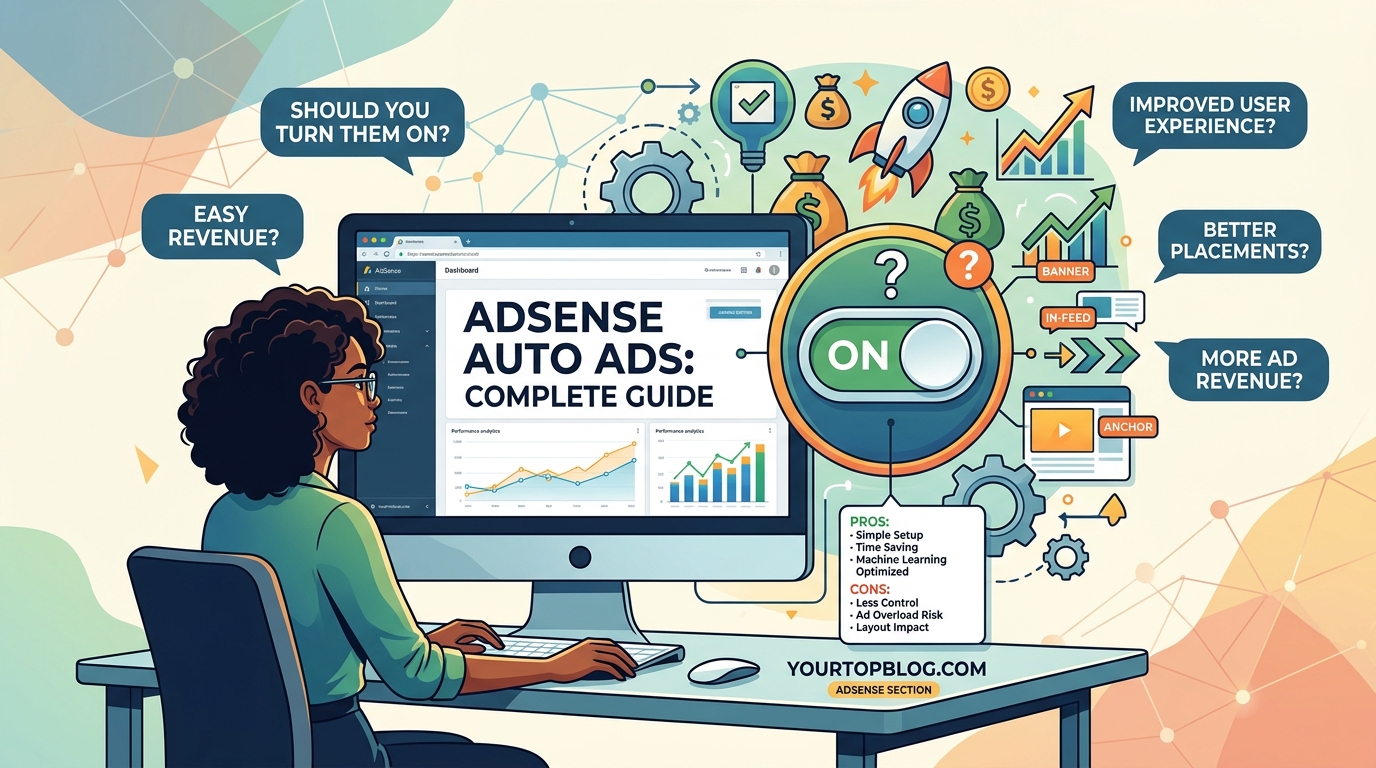
Auto ads remove the technical burden of ad placement. You don’t need to edit theme files or insert shortcodes manually. One code snippet in your header handles everything.
The machine learning improves over time. Google tests different placements and learns which positions perform best for your specific audience. This optimization happens automatically without any work on your end.
Revenue often increases because the system finds placement opportunities you might miss. I’ve seen food blogs gain an extra $800 per month simply by enabling in-article ads that the owner never considered placing manually.
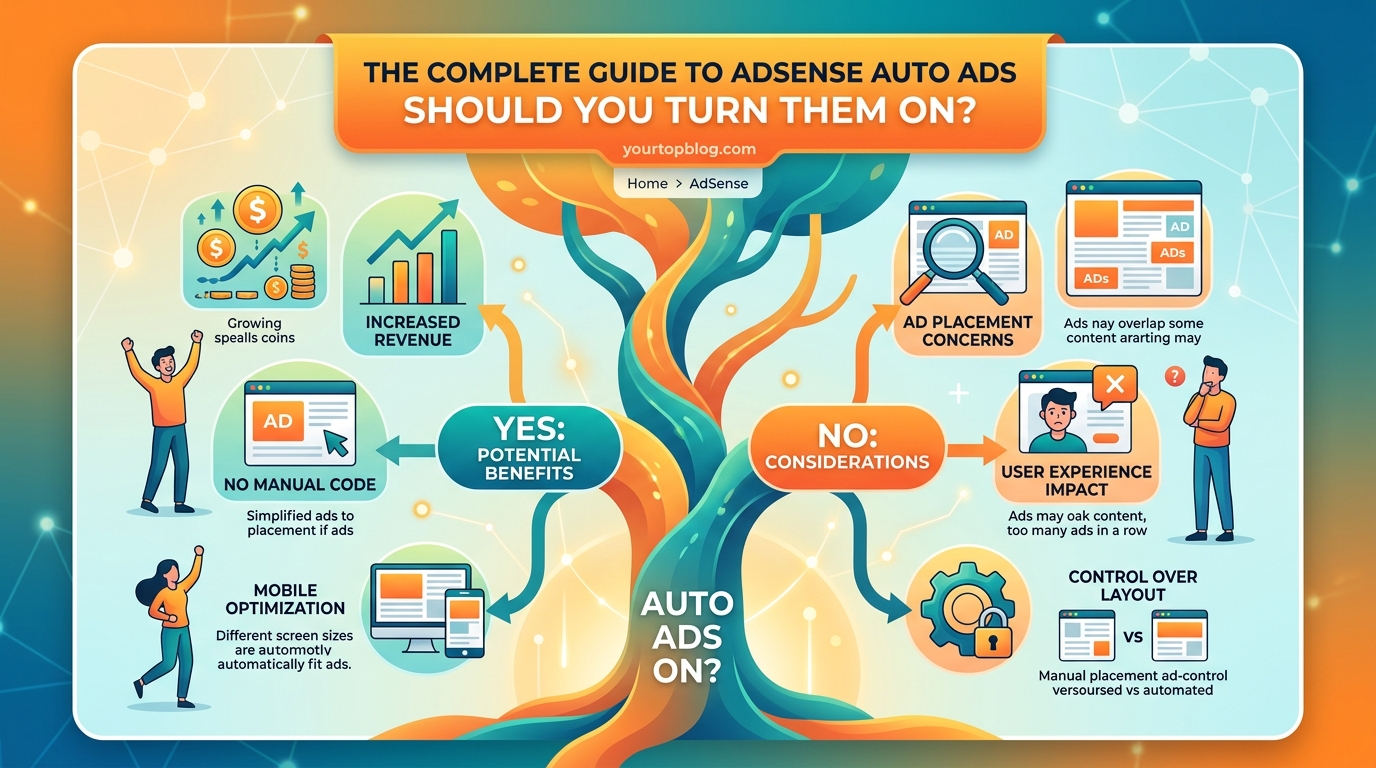
Auto ads adapt to different devices seamlessly. The same code delivers mobile-optimized placements on phones and tablet-specific layouts on iPads. You don’t maintain separate ad configurations for each screen size.
Testing becomes simpler. Instead of manually moving ad units and comparing performance, you let Google’s system run multivariate tests across thousands of page views. The algorithm identifies winning combinations faster than manual testing.
The Downsides Nobody Talks About
Auto ads can overwhelm your pages with too many units. Google’s primary goal is maximizing their revenue, which doesn’t always align with your user experience goals. I’ve seen sites with eight auto ads on a single 800-word article.
You lose precise control over placement. If you have specific areas where ads hurt conversion rates (like near email signup forms), auto ads might still place units there. The system doesn’t understand your business goals beyond ad revenue.
Page speed can suffer. Each ad placement requires additional JavaScript execution and network requests. Sites with aggressive auto ad settings sometimes see Core Web Vitals scores drop, which can hurt SEO rankings.
Some ad formats annoy users more than others. Vignette ads (those full-screen interstitials) generate high CPMs but also high bounce rates on certain content types. The auto ads system might enable them by default.
Revenue isn’t guaranteed to increase. Some niches and traffic sources perform better with carefully placed manual ads. News sites and forums often see better results with fixed placements that don’t shift based on algorithms.
How to Set Up Auto Ads the Right Way
Start with conservative settings. Don’t enable every format on day one. Here’s the step-by-step approach that protects user experience while testing revenue potential:
- Log into your AdSense account and navigate to Ads > Overview
- Select “Get code” under Auto ads
- Copy the code snippet provided
- Paste it into your site’s header (before the closing head tag)
- Return to the AdSense dashboard and click the pencil icon next to your site
- Start by enabling only in-page and in-article ads
- Set ad load to “Low” or “Medium” initially
- Save your settings and wait 24-48 hours for ads to appear
Monitor your analytics closely during the first week. Look at bounce rate, time on page, and pages per session. If these metrics drop significantly, your auto ad settings are too aggressive.
“The biggest mistake I see bloggers make is enabling all auto ad formats at once without monitoring user behavior metrics. Start with two formats, measure the impact, then expand gradually.” – Anonymous AdSense optimization specialist
After two weeks of stable performance, consider adding one additional format. Test anchor ads or multiplex ads next. Wait another two weeks and review the data before adding more.
Auto Ads vs Manual Placement Performance
| Approach | Revenue Potential | User Experience | Setup Time | Optimization Effort |
|---|---|---|---|---|
| Auto ads only | Medium to high | Variable (format dependent) | 15 minutes | Minimal ongoing |
| Manual ads only | Medium | Excellent (if done well) | 2-4 hours | High ongoing |
| Hybrid (both) | Highest | Good (with monitoring) | 1 hour | Medium ongoing |
The hybrid approach wins for most established sites. Place manual ads in your highest-value positions (above fold, mid-content, end of article), then let auto ads fill secondary opportunities you might miss.
For example, place a manual ad unit after your first paragraph where you know it performs well. Let auto ads handle sidebar placements, in-feed positions, and device-specific opportunities.
This strategy gave one of my client sites a 34% revenue increase compared to manual ads alone. The manual placements captured prime real estate while auto ads monetized less obvious positions.
Common Mistakes That Kill Revenue
Many bloggers enable vignette ads without considering mobile users. These full-screen ads between page navigation work fine on desktop but frustrate mobile readers browsing multiple articles. Your bounce rate will spike.
Another error is ignoring ad balance settings. AdSense offers a slider to control ad density. Leaving it at the default “Optimal” setting often means “maximum ads Google thinks they can get away with.” Start at the lower end.
Failing to exclude specific pages hurts conversion goals. If you run a coaching business and have a services page with a contact form, auto ads there compete with your primary monetization goal. Exclude those URLs in your auto ads settings.
Not reviewing performance by ad format wastes money. The AdSense reporting shows revenue by format type. If anchor ads generate $50 monthly but increase your bounce rate by 8%, they’re probably not worth it.
Ignoring the relationship between ads and other revenue streams costs you money. Some bloggers see their affiliate program earnings drop after enabling aggressive auto ads because readers leave before reaching affiliate links.
Testing Auto Ads on Your Site
Run a proper test before committing fully. Pick 50% of your pages to show auto ads and keep the other 50% with your current setup. Many WordPress plugins can split traffic randomly.
Track these metrics during your test period:
- RPM (revenue per thousand impressions)
- Bounce rate
- Average session duration
- Pages per session
- Conversion rate (email signups, affiliate clicks, etc.)
- Core Web Vitals scores
Run the test for at least three weeks. You need enough data to account for weekly traffic patterns and seasonal variations. Two weeks minimum, but three is better for statistical significance.
Calculate your net revenue change. If auto ads increase AdSense earnings by $300 monthly but reduce affiliate income by $200, your net gain is only $100. Factor in all revenue sources.
Consider user feedback. If you have an email list, ask subscribers about their site experience. Direct feedback often reveals issues that metrics miss.
When Auto Ads Make the Most Sense
Auto ads work best for content sites with high traffic volume. If you’re getting 50,000+ monthly visitors, the machine learning has enough data to optimize effectively. Small sites under 10,000 monthly visits see less benefit.
Sites with long-form content (1,500+ words) have more placement opportunities. Auto ads can insert multiple in-article units naturally within lengthy posts. Short posts (under 500 words) don’t have enough space for auto ads to shine.
Bloggers who lack technical skills benefit most. If manually placing ad code intimidates you or you don’t want to edit theme files, auto ads solve that problem completely.
Mobile-heavy sites see good results because Google’s algorithm excels at mobile optimization. If 70%+ of your traffic comes from phones, auto ads adapt better than most manual implementations.
News and viral content sites work well with auto ads. When you’re publishing 10-20 articles daily, manually optimizing ad placement for each post isn’t realistic. Auto ads scale with your publishing volume.
Alternative Approaches Worth Considering
Some publishers prefer ad management plugins that offer more control than auto ads but less work than pure manual placement. These tools let you set rules like “show one ad after paragraph 3” across all posts automatically.
Others use auto ads only on older content. They manually optimize new posts for the first 30 days (when traffic peaks), then let auto ads take over once traffic stabilizes. This captures the best of both approaches.
Header bidding and ad mediation platforms can outperform auto ads for larger sites. These solutions let multiple ad networks compete for your inventory in real time. The setup complexity is higher but revenue potential increases.
Diversifying beyond AdSense entirely makes sense for many bloggers. Building passive income streams reduces dependence on any single revenue source and often increases total earnings.
Optimizing Auto Ads After Launch
Check your AdSense reports weekly for the first month. Look at the “Auto ads” section to see which formats generate the most revenue. Disable underperforming formats that contribute less than 5% of earnings.
Adjust ad load based on user behavior trends. If bounce rate creeps up over time, reduce ad density slightly. If engagement metrics stay strong, consider testing a higher ad load.
Exclude problem pages as you identify them. Create a list of URLs where ads hurt more than help: landing pages, sales pages, thank you pages, login pages. Add these to your auto ads exclusion list.
Test different combinations of manual and auto ads. Try moving your manual ad units to different positions and see how auto ads fill around them. Sometimes a small change in manual placement opens better opportunities for auto ads.
Review your site on actual devices monthly. Load your pages on a phone, tablet, and desktop. See where ads actually appear. The AdSense preview tool doesn’t always match real-world placement.
Watch for common AdSense mistakes that compound when combined with auto ads. Invalid click activity, policy violations, and poor ad placement choices can get amplified by automated systems.
Making the Final Decision for Your Site
Auto ads aren’t a universal solution. They work brilliantly for some sites and poorly for others. Your decision should depend on your specific situation.
Enable auto ads if you have high traffic, publish frequently, lack technical skills, or want to test new placement opportunities without manual work. They’ll likely increase your revenue with minimal effort.
Stick with manual ads if you have a small site (under 10,000 monthly visits), short content (under 500 words average), or strong conversion goals beyond ad revenue. You’ll maintain better control over user experience.
Try the hybrid approach if you want maximum revenue and don’t mind monitoring performance metrics. This gives you control over prime positions while letting algorithms find secondary opportunities.
Start conservative regardless of which path you choose. You can always add more ads later, but recovering from a user experience disaster takes months. Begin with fewer formats and lower ad density, then scale based on data.
The best approach is the one that balances your revenue goals with your audience’s experience. Auto ads are a powerful tool, but like any tool, they work best when used thoughtfully rather than blindly.
Your site’s success depends on keeping readers engaged and coming back. If auto ads help you monetize without driving people away, they’re worth enabling. If they hurt the experience your audience values, the extra $200 monthly isn’t worth the long-term damage to your brand.
Test, measure, and adjust based on what your specific data shows. Every site is different. What works for a recipe blog won’t work for a finance site. Let your metrics guide your decisions rather than following generic advice.
Your Path Forward with Auto Ads
The decision to enable AdSense auto ads comes down to understanding your priorities. Revenue maximization and perfect user experience sometimes conflict. Your job is finding the balance that serves your long-term goals.
Start your test today if you haven’t already. Enable one or two conservative ad formats and monitor the results for three weeks. You’ll know pretty fast whether auto ads help or hurt your site. The data will tell you what generic advice cannot.
Remember that ad revenue is just one piece of your monetization strategy. Growing your traffic matters more than optimizing ad placement. Focus on creating content that attracts visitors, and the monetization options will follow naturally.