
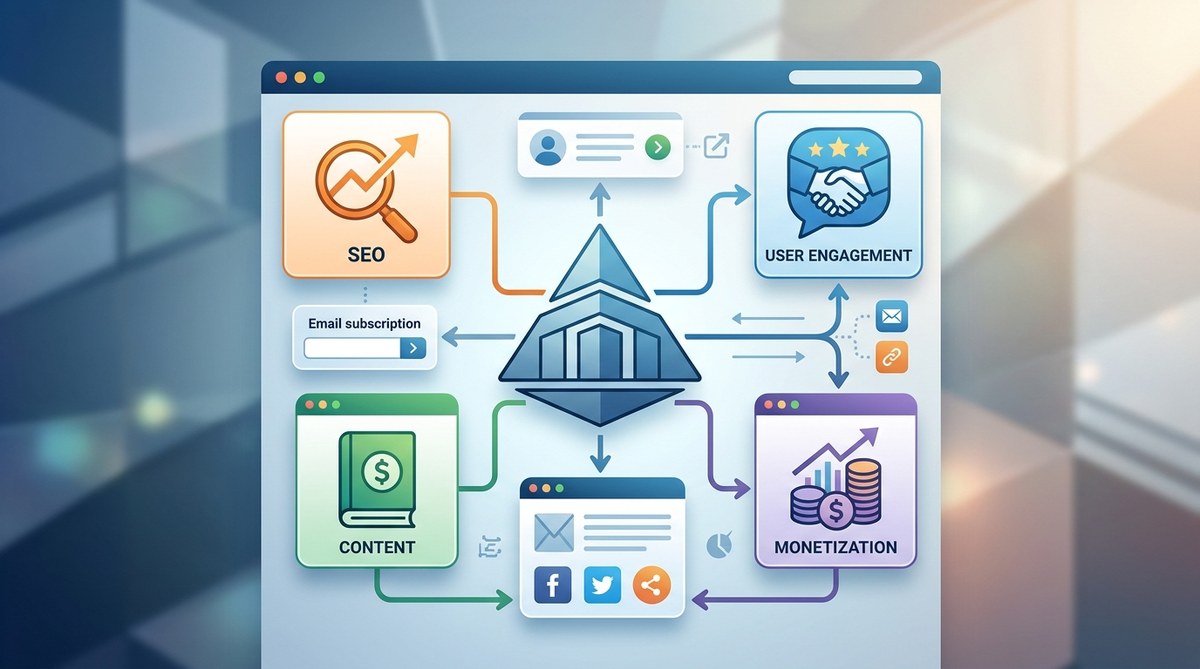
Building a well-structured website is like creating a roadmap that guides both search engines and visitors smoothly through your content. Without a clear architecture, your site can become a maze, making it hard for users to find what they need and for search engines to understand your content. The right structure makes your website more accessible, trustworthy, and easier to rank higher in search results. Let’s walk through how to craft a website that balances SEO and user engagement effectively.
A thoughtful website structure improves search engine rankings and user experience. Strategic planning, internal linking, and intuitive navigation are key to making your site easier to find and use, leading to higher engagement and better monetization opportunities.
Why a solid website structure is crucial for SEO
A clear website architecture benefits your SEO efforts by making your content easier for search engines to crawl and index. Search engines rely on how your pages are linked and organized to understand your site’s hierarchy and relevance. When your site is confusing or cluttered, search engines struggle to determine which pages are most important, which can hurt your rankings.
From a user perspective, a well-planned structure provides a seamless experience. Visitors should find what they want with minimal effort. When navigation feels intuitive, visitors stay longer, explore more pages, and are more likely to convert into subscribers or customers.
Components of an effective website structure
Understanding the building blocks of good site architecture helps you craft a site that performs well. Here are key components:
- Hierarchy: Organize content from broad categories to specific pages.
- URL structure: Use clear, descriptive URLs that reflect page content.
- Navigation menus: Create menus that logically group related pages.
- Internal linking: Connect related pages to distribute link equity and guide visitors.
- Sitemaps: Use HTML sitemaps for visitors and XML sitemaps for search engines.
Types of website structures and their advantages
Different site structures serve different purposes. Choosing the right one depends on your content, goals, and audience.
Hierarchical structure
Imagine a tree with branches. This is the most common setup, ideal for blogs and business sites. Main categories branch into subcategories and individual pages. This structure helps search engines understand your content relationships.
Sequential structure
This linear setup guides visitors through a step-by-step process, perfect for tutorials or sales funnels. Each page leads logically to the next, encouraging conversions.
Matrix structure
In this flexible layout, pages can link to multiple related pages without a strict hierarchy. It works well for e-commerce or large resources where users might navigate via different paths.
Database structure
Used for dynamic sites like forums or directories, where pages are generated from database queries. This setup can handle large volumes of content efficiently.
| Technique | Benefit | Common mistake |
|---|---|---|
| Flat URL hierarchy | Keeps pages within few clicks from home | Creating deep folder structures that bury content |
| Descriptive URLs | Improves click-through rates | Using unclear or long URLs |
| Internal linking | Distributes authority and guides users | Overlooking linking related content |
| XML sitemap | Ensures search engines discover all pages | Forgetting to update the sitemap regularly |
How to plan your website architecture in 3 steps
Creating an effective site structure involves careful planning. Here’s a straightforward approach:
-
Outline your content hierarchy
Start with your main topics. Break them into subtopics and individual pages. Think about what visitors will search for and how they will navigate. -
Design an intuitive navigation system
Create menus that mirror your content hierarchy. Use clear labels and limit menu depth to keep things simple. -
Implement internal linking thoughtfully
Link related pages to help visitors discover more content and share authority. For example, within a blog post about SEO strategies, link to your internal guides on site architecture or keyword research.
Internal linking: the backbone of site SEO
Internal links are like signposts directing both users and search engines to important pages. They help distribute page authority, improve site crawlability, and clarify your content’s relevance.
Best practices for internal links
- Link to relevant content naturally within your text.
- Use descriptive anchor text that reflects the linked page.
- Prioritize linking to cornerstone content or high-value pages.
- Avoid overlinking, which can clutter your content and confuse visitors.
Common pitfalls to avoid
| Mistake | Consequence | How to fix it |
|---|---|---|
| Using generic anchor text | Missed SEO opportunities | Use specific keywords in your anchor text |
| Linking to irrelevant pages | Frustrates users | Only link when content is truly related |
| Creating orphan pages | Pages that search engines can’t find | Regularly audit and add internal links to all pages |
“Internal linking isn’t just about SEO. It’s about guiding your visitors to the content that matters most, making their journey smooth and engaging.” — SEO expert
Optimizing URLs and sitemaps for maximum impact
Your URLs should be simple, descriptive, and reflect the page content. Avoid long strings of numbers or irrelevant words.
For example, use yourtopblog.com/website-structure-seo instead of [yourtopblog.com/page?id=1234].
Sitemaps act as roadmaps for search engines. Keep your XML sitemap updated and submit it through Google Search Console. This ensures your new or updated pages get indexed faster.
Maintaining your website structure over time
Your site isn’t static. As you add content or redesign, revisit your architecture. Regularly review your internal links, URL health, and sitemap submission.
- Use tools like Google Search Console to identify crawl errors.
- Monitor user behavior to see if navigation helps or hinders.
- Adjust your structure to reflect content growth and changing priorities.
Common mistakes that undermine SEO efforts
| Technique | Mistake | Impact |
|---|---|---|
| Deep URL structures | Pages buried more than three clicks from home | Reduced crawl efficiency and visibility |
| Non-descriptive URLs | Using generic or keyword-less URLs | Lower click-through and ranking |
| Broken internal links | Outdated or mistyped links | Hurts user experience and ranking |
| Ignoring mobile navigation | Not optimizing for mobile users | Higher bounce rates and lower rankings |
Final tips for building a website that ranks and converts
- Plan your content hierarchy before building pages.
- Keep navigation simple and consistent.
- Use internal links to highlight important pages.
- Regularly audit your site structure for issues.
- Prioritize user experience alongside SEO.
Your next step towards a stronger website
A well-designed website structure acts as the foundation for your SEO success. Taking the time to plan, implement, and maintain your architecture ensures search engines can understand your content and visitors find what they need easily. Start mapping out your site’s hierarchy today and watch your visibility grow.
A practical approach to perfecting your site layout
Remember, every website evolves. Make your structure flexible enough to grow with your content. Use analytics to identify weak spots and improve navigation. Keep the user in mind at every step. With a thoughtful approach, your website can become a powerful asset that attracts traffic, builds authority, and boosts earnings.
By applying these principles, you can turn your website into a well-oiled machine for SEO and user engagement. Focus on clarity, internal linking, and ongoing adjustments. Your efforts will pay off with higher rankings and happier visitors.