
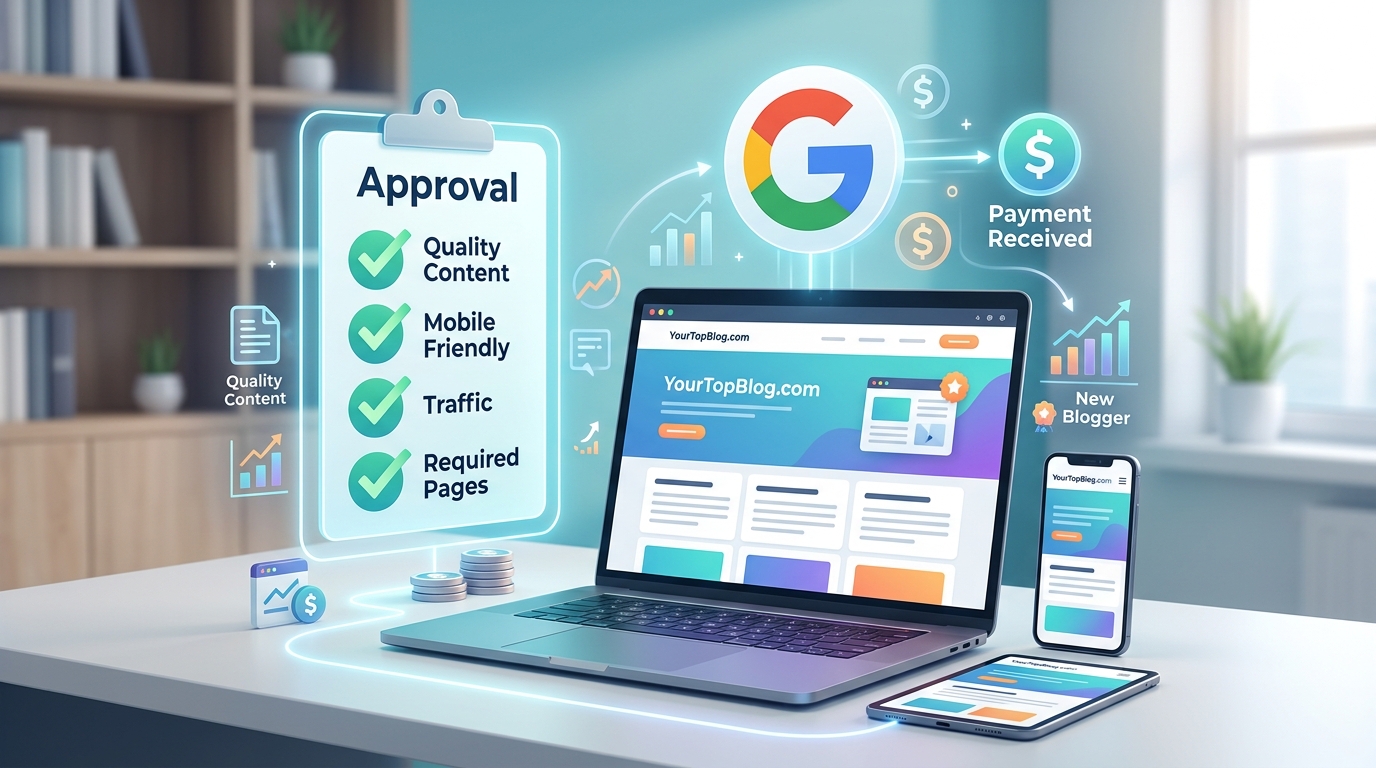
Getting your first AdSense approval feels like passing a test you didn’t study for. Google doesn’t publish a clear checklist, and the rejection emails are frustratingly vague. But after helping dozens of new bloggers get approved (often on their second or third try), I’ve noticed clear patterns in what works and what doesn’t.
[Google AdSense](https://www.google.com/adsense/) approval for new blogs requires 20-30 high-quality posts, clear navigation, essential pages like [privacy policy](https://en.wikipedia.org/wiki/Privacy_policy) and contact, a custom domain, and at least 3-6 months of consistent publishing. Focus on original content that solves real problems, ensure mobile responsiveness, and avoid prohibited content categories before applying.
Content quality matters more than traffic volume
Most new bloggers think they need thousands of visitors before applying.
That’s wrong.
Google cares far more about content quality than traffic numbers. I’ve seen blogs with 100 daily visitors get approved while sites with 1,000 visitors get rejected.
Your content needs to demonstrate expertise and originality. Each post should solve a specific problem or answer a clear question. Aim for 1,000-1,500 words minimum per article, but don’t pad content just to hit word counts.
Here’s what Google’s review team looks for:
- Original writing with your own perspective
- Proper grammar and formatting
- Clear article structure with headings
- Images that add value (not just stock photos)
- Content that serves readers, not search engines
Avoid thin content at all costs. A blog with 10 detailed, helpful posts will outperform one with 50 generic articles every time.
Build these essential pages before applying

Google wants to see a complete, professional website. Missing pages signal that your blog isn’t ready for monetization.
Create these pages before submitting your application:
- About page: Explain who you are and why you’re qualified to write about your topic. Include a photo if possible.
- Contact page: Add a contact form or email address. This shows you’re accessible and legitimate.
- Privacy policy: Required by law and by Google. Use a privacy policy generator if needed, but customize it for your site.
- Terms of service: Not always mandatory, but it adds credibility.
Your navigation menu should make these pages easy to find. Don’t hide them in the footer only.
I also recommend creating category pages that organize your content logically. This shows Google you’re building a real publication, not just a collection of random posts.
Technical requirements you can’t skip
Google has strict technical standards. These aren’t suggestions.
Get a custom domain. Free subdomains (like yoursite.wordpress.com) almost never get approved. A custom domain costs $10-15 per year and signals you’re serious about your blog.
Use HTTPS. Your site must have an SSL certificate. Most hosting providers include this free, but verify it’s active before applying.
Make your site mobile-friendly. Over 60% of web traffic comes from mobile devices. Test your site on your phone before applying. If it looks broken or hard to read, fix it first.
Ensure fast loading speeds. Compress images, use a caching plugin, and choose reliable hosting. Sites that take 5+ seconds to load often get rejected.
Here’s a technical checklist:
| Requirement | Why it matters | How to check |
|---|---|---|
| Custom domain | Shows professionalism | URL should be yourdomain.com |
| HTTPS enabled | Security standard | Look for padlock in browser |
| Mobile responsive | User experience | Test on phone or tablet |
| Fast loading | User retention | Use Google PageSpeed Insights |
| No broken links | Site quality | Use broken link checker tool |
Content volume and age requirements
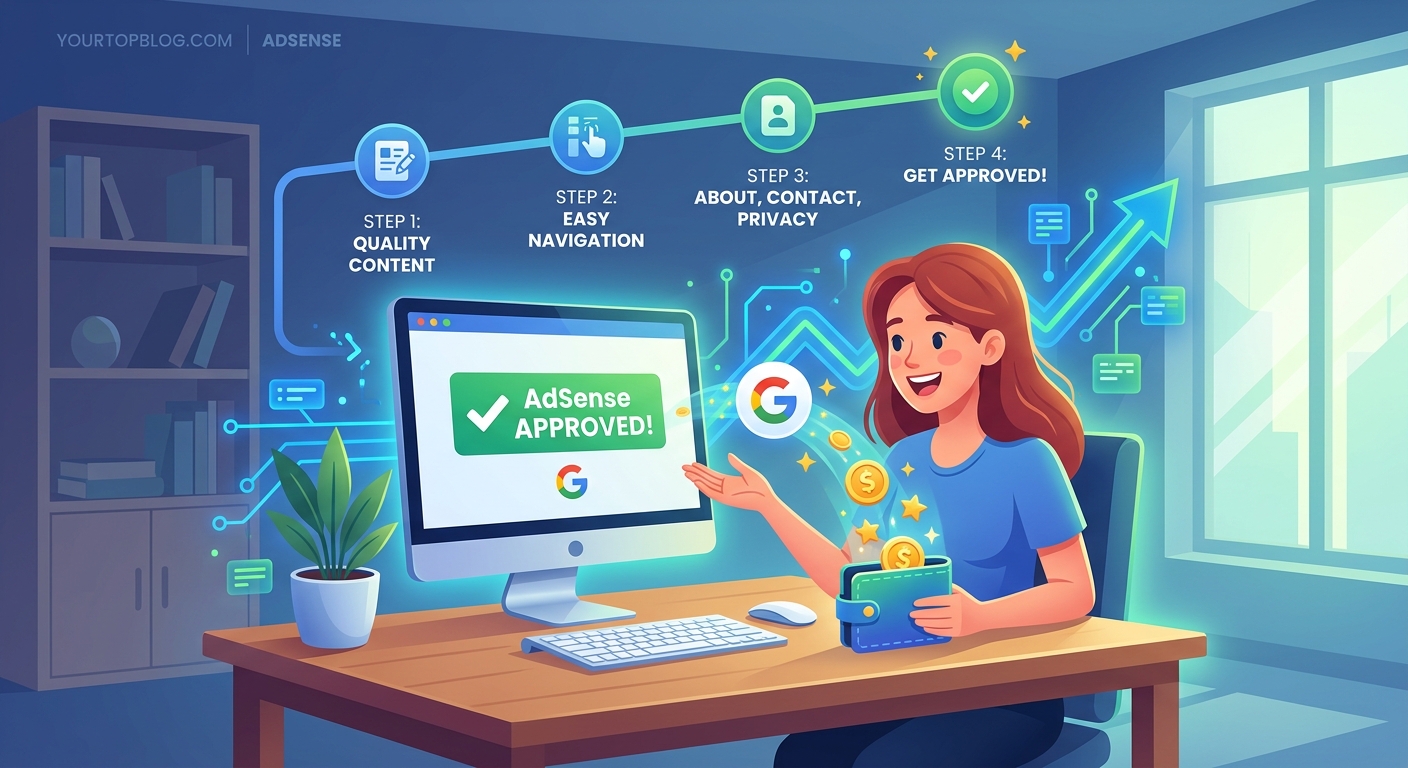
Google doesn’t publish exact numbers, but patterns are clear from approval data.
Aim for 20-30 published posts before applying. Some blogs get approved with 15, but 20-30 gives you a much better chance.
Your blog should be at least 3-6 months old. Google wants to see consistent publishing over time, not a rush of content right before applying.
Publish at least 2-3 posts per week during this period. Consistent activity matters more than occasional bursts.
Space out your application timing too. If you get rejected, wait at least 2-4 weeks before reapplying. Use that time to add more content and fix any issues mentioned in the rejection email.
Avoid these prohibited content categories
Google has zero tolerance for certain content types. Publishing even one post in these categories will get you rejected or banned.
Never publish content about:
- Adult or sexually suggestive material
- Illegal drugs or drug paraphernalia
- Excessive profanity or crude humor
- Hacking or cracking instructions
- Weapons, ammunition, or explosives
- Content promoting violence or hatred
Some categories are trickier. Health and finance content face extra scrutiny because of potential harm. If you write in these niches, make sure your advice is well-researched and includes appropriate disclaimers.
Gambling and alcohol content often gets rejected for new blogs, even if it’s technically allowed. Consider avoiding these topics until after approval.
“The biggest mistake new bloggers make is applying too early. Google wants to see that you’re committed to creating valuable content over time, not just trying to make money fast.” – AdSense Policy Specialist
Navigation and user experience standards
Your blog needs intuitive navigation. Visitors (and Google’s reviewers) should find content easily.
Create a clear main menu with 4-7 items maximum. Include your most important pages and main content categories.
Add a search function. This helps visitors find specific topics and shows your site has substantial content.
Use categories and tags properly. Categories are broad topics; tags are specific keywords. Don’t create 50 categories for 30 posts.
Include related posts at the end of each article. This keeps visitors engaged and shows content depth.
Your homepage should feature recent posts prominently. Google’s reviewers often start there, so make a strong first impression.
What to do after rejection
Most new bloggers get rejected at least once. Don’t panic.
Read the rejection email carefully. Google usually provides a reason, even if it’s vague. Common rejection reasons include:
- Insufficient content
- Poor quality content
- Prohibited content
- Navigation issues
- Policy violations
Address the specific issues mentioned. If the email says “insufficient content,” add 10-15 more quality posts before reapplying.
If you’re unsure what went wrong, ask experienced bloggers for a site review. Fresh eyes often spot issues you’ve missed.
While waiting to reapply, consider alternative monetization methods to start earning income.
Optimize your application timing
Don’t apply during major holidays. Google’s review team is smaller during December, and processing takes longer.
Apply on a Tuesday or Wednesday. Anecdotal evidence suggests midweek applications get reviewed faster than weekend submissions.
Make sure your site is error-free on application day. Check for broken images, formatting issues, and plugin conflicts.
Remove any “under construction” pages or placeholder content. Every page Google sees should be complete and polished.
Common mistakes that guarantee rejection
I’ve reviewed hundreds of rejected AdSense applications. These mistakes appear constantly:
Copying content from other sites. Google checks for plagiarism. Even paraphrasing too closely will get you rejected.
Using too many ads from other networks. If your site is already covered in affiliate banners or other ad networks, Google may reject you. Clean up your site before applying.
Having a cluttered design. If visitors can’t tell where your content starts and navigation ends, you’ll get rejected. Use white space and clear visual hierarchy.
Applying with a brand new domain. Even if you have great content, a domain registered last week raises red flags. Wait at least 3 months.
Ignoring mobile users. If your site doesn’t work well on phones, you’re done. Test thoroughly on multiple devices.
Here’s a comparison of approval-ready versus rejection-prone blogs:
| Approval-ready blog | Rejection-prone blog |
|---|---|
| 25+ original articles | 10 thin posts |
| 6 months old | 2 weeks old |
| Custom domain | Free subdomain |
| Clear navigation | Confusing layout |
| Essential pages present | Missing privacy policy |
| Mobile-friendly | Desktop only |
Build traffic before applying
While Google doesn’t require high traffic, having real visitors helps your case.
Focus on finding low-competition keywords that you can actually rank for as a new blog.
Build an email list from day one. This shows Google you’re building a real audience, not just creating content for ad revenue.
Get some social media followers. Even 100-200 engaged followers on one platform demonstrates legitimacy.
Aim for at least 50-100 daily visitors before applying. This isn’t a hard requirement, but it helps show your content resonates with real people.
Learn from success stories like this food blogger who scaled to $8,000 monthly after getting approved.
Set up analytics before applying
Install Google Analytics before you apply. This shows you’re serious about understanding your audience.
Set up Google Search Console too. This helps Google see your site as a legitimate web property.
Both tools provide valuable data you’ll need after approval anyway. Setting them up early demonstrates professionalism.
Make sure your analytics are properly configured. Verify that page views are being tracked and that you’re not blocking Google’s bots with your robots.txt file.
Content strategy that works for approval
Focus on evergreen content that stays relevant over time. Google prefers sites that will continue providing value years from now.
Write in-depth guides that thoroughly cover your topics. Surface-level content rarely gets approved anymore.
Include personal experience and original insights. Google’s algorithms are getting better at detecting generic, AI-generated, or recycled content.
Use proper formatting with H2 and H3 headings. Break up text with bullet points and numbered lists. Add relevant images with descriptive alt text.
Update older posts regularly. This shows your site is actively maintained, not abandoned after the initial content push.
After approval, avoid these mistakes
Getting approved is just the beginning. Many bloggers get their accounts disabled within months by making preventable mistakes.
Never click your own ads. Google tracks this and will ban you permanently.
Don’t ask others to click your ads. This is called “invalid click activity” and results in immediate termination.
Follow ad placement policies strictly. You can’t place ads in emails, pop-ups, or anywhere that might generate accidental clicks.
Monitor your site for malware and security issues. Hacked sites get suspended quickly.
For detailed guidance on maintaining your account, check out common AdSense mistakes to avoid.
Alternative paths if AdSense doesn’t work
AdSense isn’t the only monetization option. Some bloggers earn more through alternatives.
Affiliate marketing often generates higher revenue per visitor than display ads. Find programs that match your niche and audience.
Sponsored posts can pay $100-500+ per article once you have decent traffic. Build relationships with brands in your industry.
Digital products like ebooks or courses often outperform ads significantly. Consider creating your own products once you understand your audience’s needs.
Check out other passive income streams that complement or replace AdSense revenue.
Your approval roadmap starts now
Getting AdSense approval as a new blogger takes patience and attention to detail. But it’s absolutely achievable if you follow the right steps.
Start by publishing 20-30 quality posts over 3-6 months. Build the essential pages your site needs. Get a custom domain and ensure your technical setup meets Google’s standards. Then apply with confidence.
If you get rejected, treat it as feedback, not failure. Address the issues and try again. Most successful AdSense publishers got rejected at least once before approval.
The effort you put into meeting AdSense standards will improve your blog in ways that benefit you regardless of approval. Better content, clearer navigation, and professional design help you grow your traffic and build a sustainable online business.