
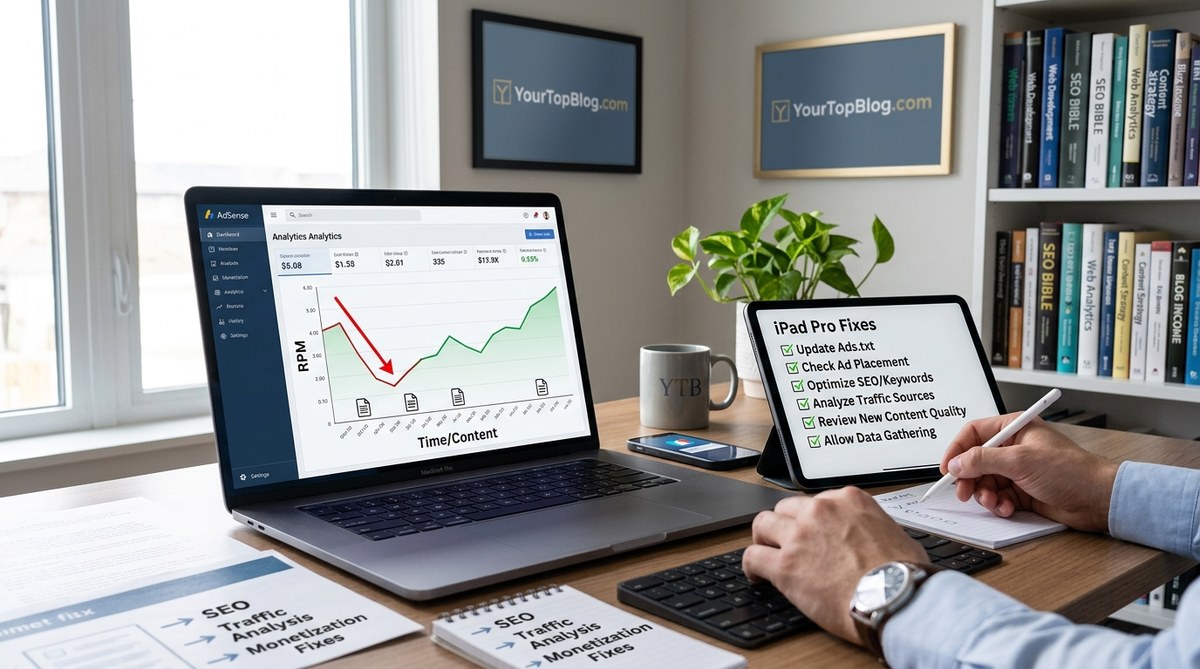
You published a new blog post this morning. You felt good about it. The research was solid, the writing flowed, and you hit publish with confidence. Later that day, you checked your AdSense dashboard expecting a small uptick. Instead, you saw something that made your stomach drop. Your RPM fell by 20 percent. Your earnings per thousand pageviews took a hit, even though your total traffic went up.
This pattern is frustrating. It makes you question whether adding new content is even worth it. But here is the truth: a drop in AdSense RPM after publishing is common, and it is almost always fixable. You just need to understand why it happens and what to do about it.
Your AdSense RPM drops after adding new content because fresh posts often attract low-intent traffic, dilute your site’s average ad performance, and may lack the ad placement optimization of your older pages. The fix involves auditing your new content’s traffic sources, improving ad placement on new posts, and ensuring your site’s crawl budget prioritizes high-earning pages.
Why Fresh Content Can Hurt Your Average RPM
Your site’s RPM is an average. It takes the total earnings from all pages and divides it by the total number of pageviews, then multiplies by 1,000. When you add a new page, that page becomes part of the average. If the new page earns less per visitor than your existing pages, the overall RPM goes down.
Think of it like a classroom test score. If a new student joins the class and scores lower than the current average, the class average drops. It does not mean the other students got worse. It just means the new data point pulled the average down.
New content tends to perform worse for a few specific reasons. Let us break them down.
Low Intent Traffic from New Posts
When you publish a brand new article, Google has not yet figured out who should see it. The search engine sends a mix of traffic to test the waters. Some of that traffic comes from people searching for broad terms with low buying intent. A visitor looking for “free budget templates” is less valuable to advertisers than someone searching for “best budgeting software 2026.” Advertisers pay more for the second person because they are closer to making a purchase.
Your new post might rank for those low-intent terms at first. That brings in visitors who click on fewer ads and generate lower cost-per-click bids. Your site’s RPM takes the hit.
Ad Placement Gaps on New Pages
Older posts on your site probably have well-tested ad placements. You have moved ads around, tested different formats, and found what works. New posts often use your default ad settings. If your default settings are not optimized, the new pages will underperform.
Many publishers use a plugin or theme that places ads automatically. Those auto-placed ads might not match the layout of your new post. A sidebar ad might sit below the fold on a mobile device. An in-content ad might break up a paragraph awkwardly, making readers scroll past it without a glance.
Crawl Budget and Indexing Delays
Google has a limited crawl budget for your site. When you publish new content, Googlebot spends time crawling and indexing those new pages. That can temporarily reduce how often Google crawls your high-earning pages. If your best pages do not get re-crawled as frequently, their rankings might slip slightly. Lower rankings mean less traffic to those pages, which lowers your overall RPM.
This effect is temporary, but it can last for a week or two. During that window, your RPM takes a hit because your high-earning pages are not getting their usual traffic share.
The Real Data: What a Typical RPM Drop Looks Like
Let us look at a realistic example from a publisher I worked with earlier this year.
| Metric | Before New Content | After New Content (Week 1) | After Optimization (Week 3) |
|---|---|---|---|
| Total Pageviews | 50,000 | 62,000 | 65,000 |
| AdSense Revenue | $750 | $775 | $975 |
| RPM | $15.00 | $12.50 | $15.00 |
| Average CPC | $0.35 | $0.28 | $0.36 |
| CTR | 4.2% | 4.5% | 4.1% |
Notice that total pageviews went up. Revenue also went up slightly, but not in proportion to the traffic increase. The RPM dropped from $15.00 to $12.50. That is a 16.7 percent decline. The publisher felt like they were losing money, even though they were actually earning more total dollars.
After three weeks of optimization work, the RPM recovered to $15.00, and total revenue jumped to $975 because of the higher traffic volume.
This is the pattern you want to aim for. More traffic plus stable or higher RPM equals significantly more income.
How to Diagnose the Exact Cause on Your Site
Before you can fix the problem, you need to know which factor is causing your RPM drop. Here is a step-by-step process.
-
Check your AdSense “My Ads” report by page. Go to AdSense and look at the “My Ads” report, then filter by page URL. Sort by pageviews descending. Identify your top 10 pages by traffic and note their RPM. Then look at your new pages and compare their RPM to the site average.
-
Audit traffic sources for new posts. Open Google Analytics and look at the “Acquisition” report for your new pages. If most traffic comes from social media, forums, or low-intent search queries, that is likely the culprit. High RPM pages usually get most of their traffic from high-intent organic searches.
-
Check ad viewability on new pages. Use the AdSense “Ad Viewability” report or a tool like Google’s PageSpeed Insights with ad testing. If your new pages have low viewability scores (below 70 percent), your ad placement needs work.
-
Compare your new page load time to your site average. New pages sometimes have larger images, more plugins, or unoptimized code. A slow page reduces both user engagement and ad performance. Use Google PageSpeed Insights to check.
Five Fixes That Restore Your RPM
Once you know what is causing the drop, you can apply the right fix. These five strategies work for most publishers.
Fix One: Optimize Ad Placement on New Posts
Do not rely on default ad settings. Create a custom ad layout for new posts that mirrors the placement of your highest-earning pages. If your best post has a 300×250 rectangle in the middle of the content, add that same unit to your new post.
I recommend using a plugin like Ad Inserter or Advanced Ads that lets you create conditional ad placements. Set it to apply your “high performer” layout to all new posts in a specific category. This way, every new post starts with optimized ads instead of generic ones.
For a deeper look at which ad formats work best, check out which AdSense ad formats actually generate the highest RPM.
Fix Two: Build Internal Links from High-Traffic Pages
New pages need authority. One of the fastest ways to give them authority is to link from your existing high-traffic pages. When a page with high RPM links to a new post, it sends both readers and search engine signals to the new content.
Go to your top 10 posts by traffic and add contextual links to your new article. Use descriptive anchor text that matches the topic. For example, if your new post is about budget travel tips, link from your popular “how to save money on flights” article with text like “check out these budget travel tips for 2026.”
This tactic does two things. It sends high-intent traffic to the new post, and it tells Google that the new content is connected to your site’s authority pages.
Fix Three: Delay Auto Ads on New Content
Google’s Auto Ads feature places ads based on your site’s content structure. But Auto Ads can be aggressive on new pages, placing too many ads that annoy readers and lower engagement.
Turn off Auto Ads for new posts for the first 14 days. Instead, manually place two or three well-positioned ad units. After two weeks, re-enable Auto Ads and let Google learn from the manual placements you already set.
You can learn more about this approach in the complete guide to AdSense Auto Ads.
Fix Four: Target High-Intent Keywords from Day One
Your new post will attract whatever traffic Google sends its way. You can influence that by targeting high-intent keywords in your title, headings, and first paragraph.
High-intent keywords include words like “best,” “review,” “vs,” “cost,” “price,” “alternative,” and “guide.” A post titled “best running shoes for flat feet 2026” will attract more valuable traffic than “running shoes for flat feet.”
Advertisers bid higher on these terms because the searcher is likely to buy. That higher CPC translates directly into a higher RPM for your new page.
Fix Five: Monitor and Pause Low-Performing New Pages
Sometimes a new post just does not perform well for AdSense. That is okay. You can pause ads on that page entirely and redirect the traffic to a better-monetized page.
In AdSense, go to the “Blocking” section and add the URL of the underperforming page to your ad blocking list. Then add a prominent internal link on that page pointing to a related high-RPM article. This protects your site average while still serving the reader.
This is not a permanent solution, but it protects your RPM while the new page matures. After a few months, you can re-enable ads and test again.
Common Mistakes That Make the Drop Worse
Avoid these errors when trying to fix your RPM.
| Mistake | Why It Hurts |
|---|---|
| Adding too many ads to new pages | Lowers user engagement and increases bounce rate |
| Removing ads from high-earning pages | Directly reduces your total revenue |
| Ignoring mobile ad placement | Over 60 percent of traffic comes from mobile devices |
| Publishing low-quality content for volume | Attracts low-intent traffic that drags down your average |
| Using the same ad code on every page | Misses opportunities for page-specific optimization |
“The biggest mistake I see publishers make is panicking and removing ads from their best pages. That is like cutting off your best revenue stream because a new page is underperforming. Keep your high earners intact and optimize the new pages separately.” – Anonymous AdSense Publisher with $8K monthly revenue
A 7-Day Recovery Plan
Here is a concrete plan you can start today.
Day 1: Run the diagnosis steps above. Identify whether the issue is low-intent traffic, poor ad placement, or crawl budget shifts.
Day 2: Optimize ad placement on your new post. Copy the layout from your best-performing page.
Day 3: Add internal links from your top 10 posts to the new content.
Day 4: Turn off Auto Ads for new posts. Set up manual placements instead.
Day 5: Check your new post’s load time. Compress images, enable caching, and remove unnecessary plugins.
Day 6: Review your traffic sources. If social media is driving the majority of visits, add a lead magnet or email signup to capture that traffic for future monetization.
Day 7: Compare your RPM before and after. If it has stabilized, repeat the process for your next new post.
For more details on the specific mistakes that cost you money, read about 7 AdSense mistakes that are costing you thousands every month.
Your RPM Can Recover and Grow
Adding new content is how you grow your blog and your income. A temporary RPM drop is not a sign that you should stop publishing. It is a sign that you need to adjust your approach.
The publishers who succeed with AdSense are the ones who treat RPM like a metric to manage, not a number to fear. They audit their new pages, optimize ad placement, and build internal links. They know that a 15 percent RPM drop today can turn into a 30 percent RPM increase next month if they handle it correctly.
Start with the diagnosis steps in this article. Pick one fix and apply it to your newest post. Watch your dashboard over the next week. You will likely see the RPM stabilize and then climb back up.
If you want to take this further, consider diversifying your income beyond AdSense. Many successful bloggers add affiliate marketing or digital products to their revenue mix. You can learn how to stack multiple income streams in how to stack multiple revenue models without overwhelming your readers.
For now, focus on the fix. Your next new post does not have to hurt your RPM. With the right strategy, it can help it.