

You don’t need a five-figure software budget to compete in search rankings. Some of the most effective SEO tools available today cost absolutely nothing, and many perform just as well as their expensive counterparts. I’ve tested dozens of free options over the past three years, and the results might surprise you.
Free SEO tools can match premium software for keyword research, site audits, backlink analysis, and rank tracking. By combining [Google Search Console](https://search.google.com/search-console/about), Ubersuggest, AnswerThePublic, and a handful of other zero-cost platforms, you get complete SEO functionality without monthly subscriptions. The catch is learning to work within usage limits and stitching together data from multiple sources.
Why free tools have gotten so powerful
The SEO software market has changed dramatically in the past five years. Competition forced major players to offer generous free tiers, while independent developers built specialized tools to solve single problems exceptionally well.
Free no longer means limited or unreliable. Many tools now offer features that were premium-only just three years ago.
Google itself provides some of the most powerful SEO data available. Their free platforms give you direct access to how your site performs in search results, which paid tools can only estimate.
The real advantage comes from combining multiple free tools. Each one excels at a specific task, and together they cover every aspect of SEO work.
Essential free SEO tools you should start using today
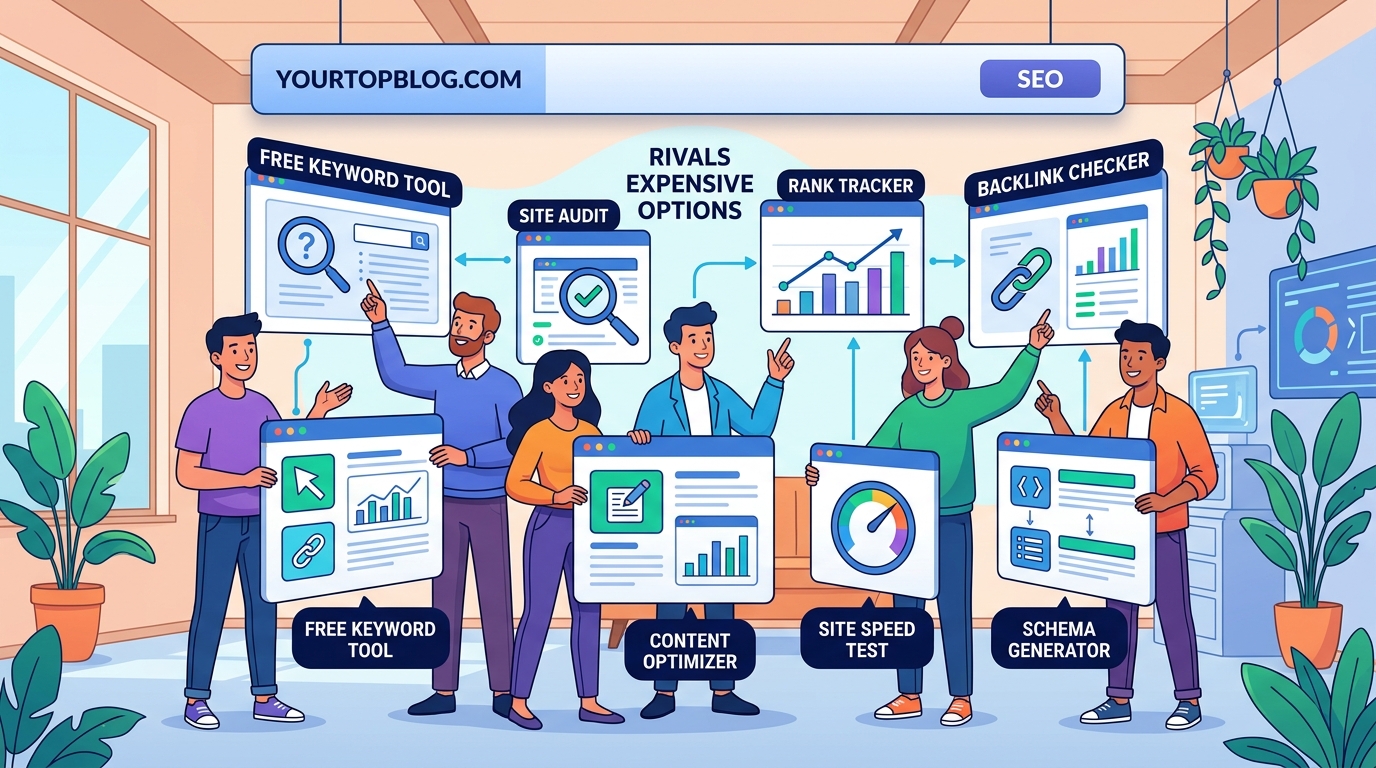
Here’s my tested list of tools that deliver real value without charging a cent.
Google Search Console
This should be your foundation. Search Console shows exactly which keywords bring traffic to your site, how your pages rank, and what technical issues might hurt your visibility.
You get real data straight from Google’s index. No guessing, no estimates.
Set it up by verifying your domain ownership. The process takes about ten minutes, and you’ll start seeing data within 48 hours.
I check Search Console every Monday morning. It tells me which content performs well and where I’m losing ground to competitors.
Ubersuggest
Neil Patel’s tool offers keyword research, competitor analysis, and site audits in one package. The free version limits you to three searches per day, but that’s enough for focused research sessions.
Type in a keyword and you’ll see search volume, difficulty scores, and related terms. The competitor analysis feature shows which sites rank for your target keywords and estimates their traffic.
I use Ubersuggest when planning new content. Three searches per day forces me to be strategic about which keywords I research.
AnswerThePublic
This tool visualizes questions people ask about your topics. It scrapes autocomplete data from Google and Bing to show real search queries.
The visual format makes it easy to spot content gaps. You’ll see exactly what your audience wants to know, organized by question type.
Free users get a few searches per day. That’s plenty for generating content ideas and finding low competition keywords that actually drive traffic.
Screaming Frog SEO Spider
The free version crawls up to 500 URLs, which covers most small business sites completely. It identifies broken links, duplicate content, missing meta descriptions, and hundreds of other technical issues.
Download the desktop application and point it at your site. Within minutes you’ll have a complete technical audit.
I run Screaming Frog monthly to catch problems before they impact rankings. The 500-URL limit has never been an issue for my sites.
Google Analytics
Understanding your traffic sources and user behavior is fundamental to SEO success. Analytics shows which pages keep visitors engaged and which ones send them running.
The bounce rate and time-on-page metrics help you identify content that needs improvement. High bounce rates often signal a mismatch between what the page promises and what it delivers.
Connect Analytics to Search Console for deeper insights. You’ll see how organic search traffic behaves compared to other sources.
MozBar
This browser extension shows domain authority and page authority scores as you browse. It’s helpful for evaluating potential link opportunities and understanding competitor strength.
The free version displays basic metrics on search results pages. You can quickly assess which competitors have strong domain authority and which ones might be easier to outrank.
I keep MozBar installed but only activate it when researching competitors. Running it constantly can slow down your browser.
Google PageSpeed Insights
Site speed directly affects rankings. PageSpeed Insights analyzes your pages and provides specific recommendations for faster loading times.
The tool tests both mobile and desktop performance. Mobile speed matters more since Google uses mobile-first indexing.
Run your important pages through PageSpeed Insights quarterly. Focus on the opportunities section, which lists improvements by potential impact.
How to build a complete SEO workflow with free tools
Combining these tools creates a professional SEO system without subscription costs. Here’s the process I follow.
- Start with keyword research in Ubersuggest to identify opportunities
- Use AnswerThePublic to find related questions and content angles
- Check Search Console to see which keywords already bring some traffic
- Create content targeting those keywords
- Run Screaming Frog to catch technical issues before publishing
- Monitor performance in Search Console and Analytics
- Use PageSpeed Insights to optimize slow pages
This workflow covers keyword research, content planning, technical optimization, and performance tracking. Everything a paid platform does, just spread across multiple tools.
The main tradeoff is time. Switching between platforms takes longer than working in one unified dashboard. But for budget-conscious marketers, that extra time is worth the money saved.
Common mistakes when using free SEO tools
Even powerful tools produce poor results if you use them incorrectly. Watch out for these errors.
| Mistake | Why it hurts | Better approach |
|---|---|---|
| Checking rankings daily | Creates anxiety without actionable data | Review weekly or monthly trends |
| Ignoring Search Console errors | Technical issues compound over time | Fix critical errors within 48 hours |
| Trusting only one data source | Single tools have blind spots | Cross-reference between platforms |
| Skipping competitor analysis | You miss opportunities they’ve already found | Analyze top three competitors monthly |
| Focusing only on high-volume keywords | Competition makes ranking impossible | Target realistic keywords you can actually rank for |
The biggest mistake I see is tool hopping. People try a new platform every week, never learning any of them deeply.
Pick your core tools and master them. Depth beats breadth when you’re working with limited resources.
Advanced techniques for free tool users
You can extract more value from these platforms with a few strategic approaches.
Stack complementary tools. Use Ubersuggest for initial keyword research, then validate those keywords in Search Console to see if you already rank for related terms. This combination reveals low-hanging fruit.
Export and combine data. Most free tools let you export results as CSV files. Merge data from different sources in a spreadsheet to spot patterns no single tool reveals.
Set up automated reports. Search Console and Analytics both offer email reports. Schedule weekly summaries so you stay informed without logging in constantly.
Use the browser extensions strategically. Install MozBar and similar extensions but keep them disabled by default. Activate them only when actively researching to avoid performance issues.
“The best SEO tool is the one you actually use consistently. Free platforms work brilliantly when you build them into regular habits, but they collect dust when you only remember them during crises.”
What free tools can’t do well
Being realistic about limitations helps you work more effectively. Free SEO tools struggle with a few specific tasks.
Historical data. Most free platforms show limited history. Search Console only goes back 16 months, which makes year-over-year comparisons difficult.
Backlink analysis. Free tools show some backlinks, but paid platforms like Ahrefs have much larger link databases. You’ll miss many of your backlinks using only free options.
Rank tracking at scale. Tracking hundreds of keywords across multiple locations requires paid software. Free tools handle small-scale tracking fine but can’t match enterprise features.
Competitive intelligence depth. You can see basic competitor metrics for free, but detailed traffic estimates and keyword portfolios require paid subscriptions.
For most small business owners and bloggers, these limitations don’t matter. You need solid basics more than enterprise features.
If you’re managing SEO for multiple clients or large sites, eventually you’ll need paid tools. But you can build significant traffic and authority using only free platforms.
Integrating free SEO tools with your content strategy
Tools only matter if they improve your content decisions. Here’s how I connect SEO data to actual writing and publishing.
Before creating any content, I check three things:
- Search Console for existing rankings on related topics
- Ubersuggest for keyword difficulty and search volume
- AnswerThePublic for specific questions to answer
This research takes about 15 minutes and prevents wasted effort on topics nobody searches for.
After publishing, I monitor performance in Search Console. New posts typically take 2-3 months to reach their ranking potential. I make on-page SEO improvements if a post stalls below position 20.
Analytics shows which posts keep readers engaged. High engagement signals quality to Google, so I prioritize improving my best-performing content rather than constantly creating new posts.
This integration between tools and content creation is where real SEO progress happens. Data without action accomplishes nothing.
Scaling your SEO efforts as you grow
Start with the essential free tools, then add capabilities as your needs expand. This graduated approach prevents overwhelm while building solid foundations.
Month one: Set up Search Console and Analytics. Learn to navigate both platforms and understand basic metrics.
Month two: Add Ubersuggest and AnswerThePublic to your keyword research process. Start building a list of target keywords.
Month three: Run your first Screaming Frog audit. Fix critical technical issues that might limit your rankings.
Month four: Install MozBar and begin analyzing competitor strategies. Identify gaps in their content you can fill.
By month five, you’ll have a complete free SEO toolkit and the skills to use it effectively. This foundation supports growth whether you eventually upgrade to paid tools or stick with free options indefinitely.
Many successful bloggers never graduate beyond free tools. I know several site owners earning five figures monthly who still rely primarily on Search Console and Analytics.
The tools matter less than how you use them. Consistency and strategic thinking beat expensive software every time.
Building sustainable traffic without breaking the bank
Free SEO tools give you everything needed to compete in search results. The platforms I’ve outlined handle keyword research, technical audits, performance tracking, and competitive analysis without monthly fees.
Your main investment is time learning these tools and building processes around them. That upfront effort pays dividends for years.
Start with Search Console and Analytics today. Add other tools as you encounter specific needs. Within a few months, you’ll have a complete SEO system that costs nothing but delivers professional results.
The best part? These skills transfer if you ever do upgrade to paid platforms. You’ll understand the fundamentals regardless of which interface displays the data.
Stop waiting for the perfect tool or the right budget. The resources you need are already available, and they’re completely free.