
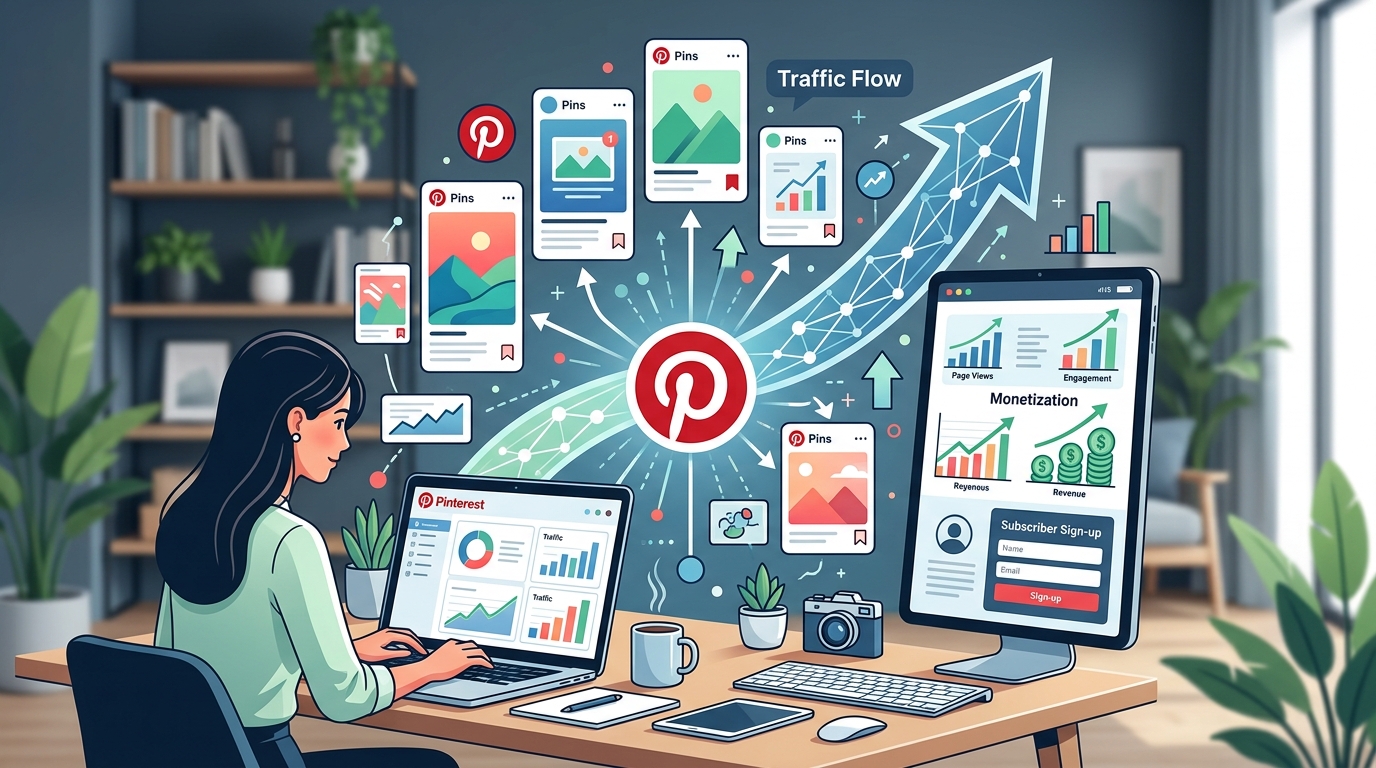
Pinterest isn’t just a place for recipe boards and home décor inspiration anymore. It’s become one of the most powerful traffic engines for bloggers who understand how to use it correctly. While other social platforms show your content for a few hours, Pinterest pins can drive traffic for months or even years after you publish them.
Pinterest traffic strategies for bloggers focus on creating vertical pins with keyword-rich descriptions, maintaining consistent pinning schedules, and optimizing profiles for search. The platform functions as a visual [search engine](https://en.wikipedia.org/wiki/Search_engine_optimization) where evergreen content can generate referral traffic for years. Success requires treating Pinterest as SEO rather than social media, with emphasis on pin quality over quantity.
Why Pinterest Works Differently Than Other Platforms
Most bloggers treat Pinterest like Instagram or Facebook. That’s the first mistake.
Pinterest functions as a search engine, not a social network. Users come here with intent. They’re looking for solutions, ideas, and inspiration they can act on later.
When someone searches “meal prep ideas for beginners” on Pinterest, they’re planning ahead. They save pins to boards. They come back to them weeks later. They click through to read the full blog post when they’re ready to cook.
This behavior creates a compounding traffic effect. A single pin can bring visitors to your blog months after you create it. Compare that to Instagram, where a post dies within 24 hours.
The platform also favors fresh content creators. You don’t need millions of followers to get traction. A new blogger with 100 followers can outperform an account with 50,000 followers if their pins match what users are searching for.
Setting Up Your Pinterest Profile for Maximum Traffic
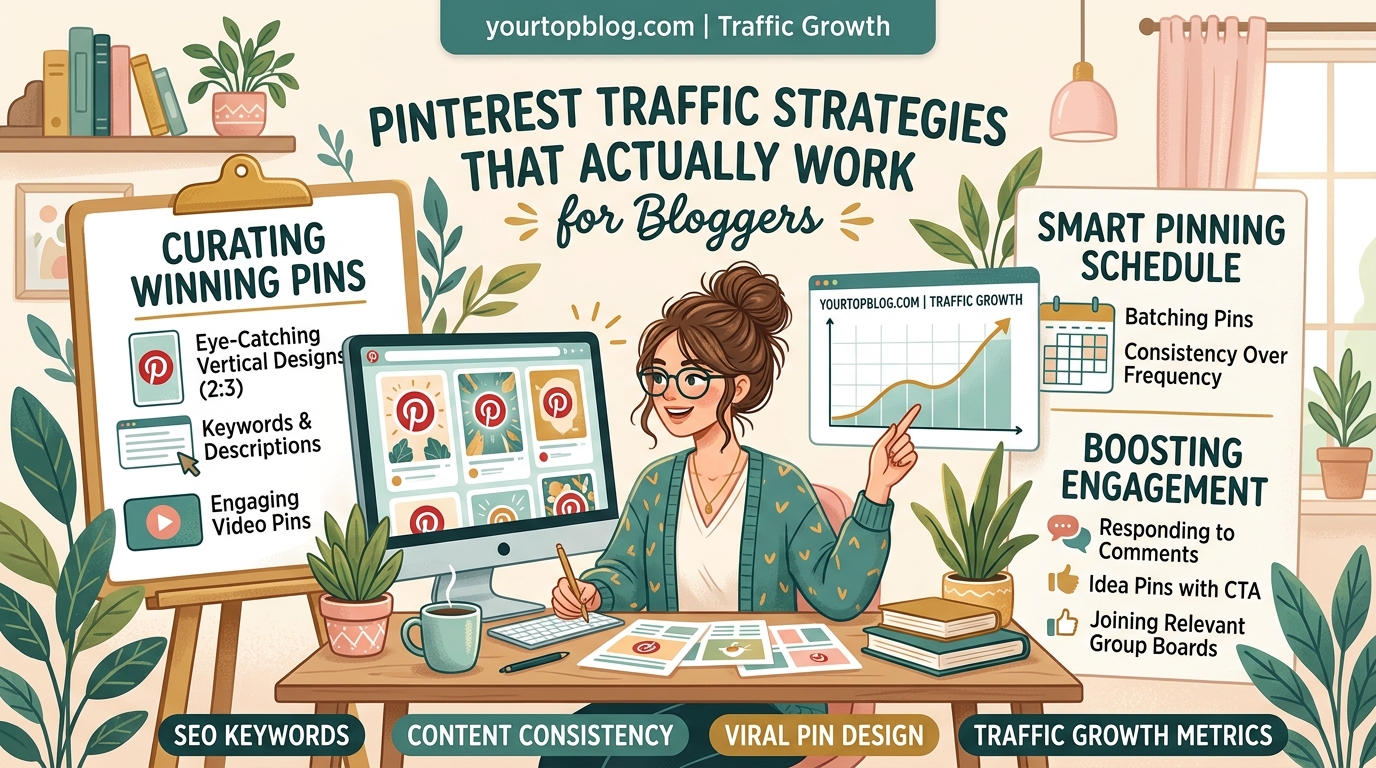
Your profile needs optimization before you start pinning. Think of it as your blog’s homepage on Pinterest.
Convert to a business account first. This gives you access to analytics and rich pins. Both are essential for tracking what works and improving your results.
Your profile name should include your niche keywords. Instead of just “Sarah’s Blog,” use “Sarah’s Blog | Budget Travel Tips & Guides.” This helps you appear in search results when users look for travel content.
Write a keyword-rich bio that explains what readers will find on your blog. Include your main topics and the value you provide. Keep it under 160 characters so nothing gets cut off.
Claim your website. This verifies your domain and adds your logo to all pins from your site. It builds brand recognition and trust.
Create board names that match what people actually search for. “Yummy Recipes” is cute but useless. “Easy Dinner Recipes for Beginners” targets real search intent. Use the Pinterest search bar to see what terms auto-complete. Those are popular searches.
Creating Pins That Drive Clicks to Your Blog
Pin design makes or breaks your traffic potential. Users scroll fast. Your pin has maybe half a second to stop them.
Vertical pins perform best. The ideal ratio is 2:3, which translates to 1000 x 1500 pixels. This format takes up more screen space on mobile devices, where most Pinterest browsing happens.
Your pin title needs to be large and readable on mobile. Use at least 60-point font. Test your design by viewing it at thumbnail size. If you can’t read the text, neither can users.
Include faces when possible. Pins with people in them get 95% more engagement than those without. This works especially well for lifestyle, fashion, and food bloggers.
Color matters more than you think. Bright, saturated colors outperform muted tones. Red, orange, and teal tend to grab attention. Avoid using too much white space at the top of your pin, as it blends into the Pinterest feed background.
Add text overlay that promises a specific benefit. “10 Budget Meals Under $5” works better than “Cheap Dinner Ideas.” Be specific about what readers will learn.
Writing Pin Descriptions That Boost Discoverability
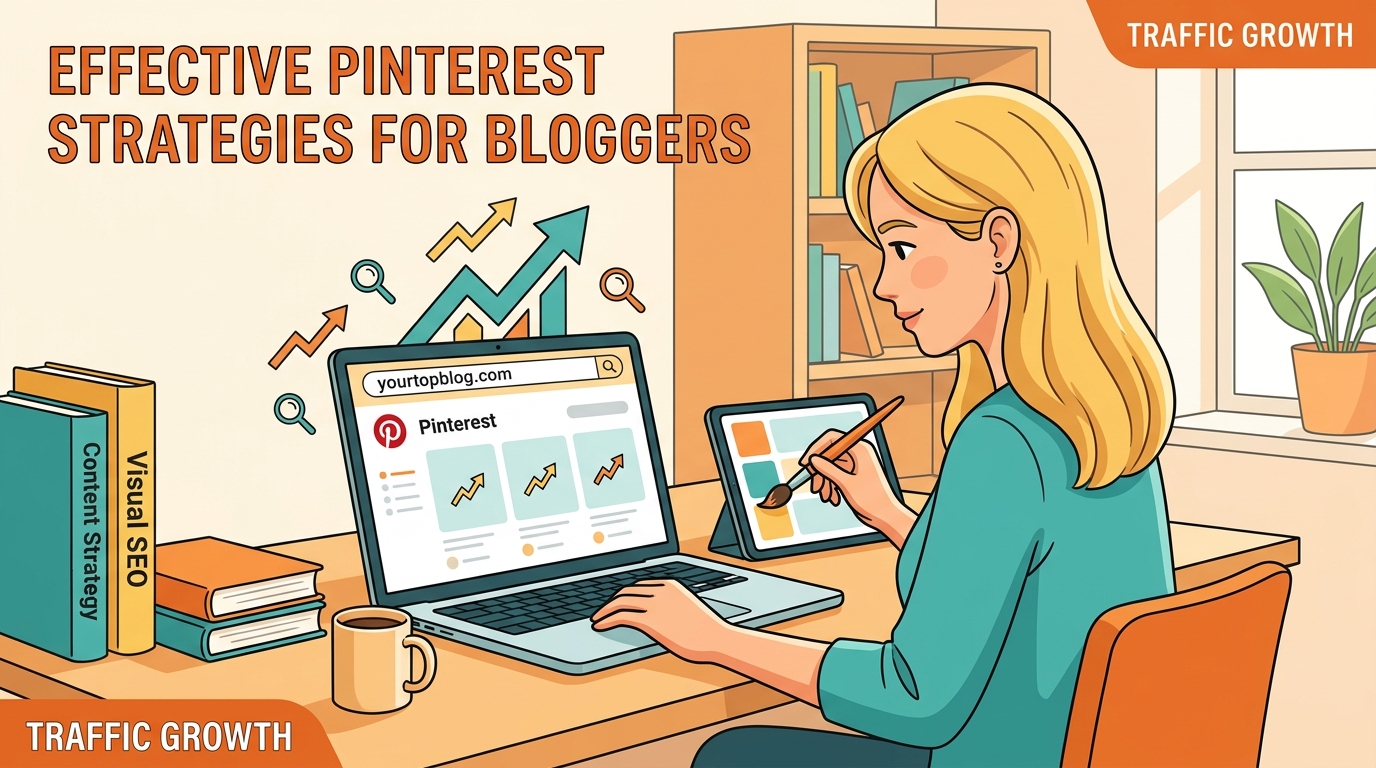
Your pin description is where SEO happens. Pinterest reads this text to understand what your pin is about and when to show it in search results.
Start with your target keyword in the first sentence. If you’re targeting “beginner gardening tips,” your description should open with something like “These beginner gardening tips will help you grow your first vegetable garden without making common mistakes.”
Write at least 100 words. Longer descriptions give Pinterest more context. They also increase the chances of matching various search queries.
Include 3-5 relevant hashtags at the end. Don’t overdo it. Pinterest confirmed that too many hashtags can hurt your reach. Focus on specific, niche hashtags rather than broad ones like #blog or #lifestyle.
Add a call to action. Tell users what to do next. “Click to read the full tutorial” or “Save this for your next grocery trip” both work well.
Avoid keyword stuffing. Write for humans first, search engines second. Your description should read naturally while incorporating your target keywords.
Building a Consistent Pinning Schedule
Consistency beats intensity on Pinterest. Pinning 5 times daily for a month produces better results than pinning 50 times in one day then disappearing for weeks.
The platform rewards accounts that show up regularly. Daily pinning signals that you’re an active, valuable content creator.
Here’s a realistic pinning schedule for bloggers:
- Pin 5-10 times per day
- Spread pins throughout the day (morning, afternoon, evening)
- Mix your own content with other people’s pins (80/20 ratio)
- Pin to relevant boards, not just your own
- Use a scheduling tool to maintain consistency
Tailwind is the only Pinterest-approved scheduling tool. It lets you load pins in advance and automatically spaces them throughout the day. This saves hours of manual work.
Pin your content to multiple boards over time. Don’t dump the same pin to 10 boards in one sitting. Spread it out over several days or weeks.
Create multiple pin designs for each blog post. Test different images, titles, and color schemes. One design might flop while another goes viral. You won’t know until you test.
Joining and Using Group Boards Strategically
Group boards can amplify your reach, but most bloggers use them wrong.
These boards have multiple contributors. When you pin to a group board, your content reaches all the board’s followers, not just your own.
The catch? Most group boards are spam-filled and provide little value anymore. Pinterest has deprioritized them in recent algorithm updates.
Only join group boards that are:
- Active (new pins added in the last week)
- Moderated (no spam or off-topic content)
- Relevant to your niche
- Smaller than 50 contributors
Large group boards with hundreds of contributors rarely provide value. Your pins get buried within minutes.
Contribute quality pins to group boards. Don’t just drop your content and leave. Engage with other contributors’ pins. This builds relationships and increases the chances that others will repin your content.
Limit yourself to 5-10 group boards maximum. Focus on boards where you see actual engagement, not just follower counts.
Understanding Pinterest SEO and the Algorithm
Pinterest’s algorithm prioritizes pins that users engage with. Engagement means saves, clicks, and close-ups.
The platform tracks how users interact with your pins. If people consistently save your pins or click through to your blog, Pinterest shows your content to more users.
Domain quality matters. Pinterest evaluates your website’s quality. Fast-loading sites with good user experience get preferential treatment. If your blog takes 10 seconds to load, fix that before investing heavily in Pinterest.
Freshness helps. New pins get a temporary boost in visibility. This is why creating multiple pin designs for each post works. Each new design gets that initial visibility boost.
Seasonal content needs advance timing. Pinterest users plan ahead. They search for Christmas content in October. Summer recipes start trending in March. Pin seasonal content 45-60 days before the actual season.
The algorithm also considers:
- Your account’s overall engagement rate
- How often you pin
- Whether users engage with your profile
- Your website’s click-through rate
- Time users spend on your site after clicking
Analyzing What Works and Doubling Down
Pinterest Analytics tells you exactly what’s working. Check it weekly.
Look at your top-performing pins from the last 30 days. What do they have in common? Similar colors? Specific topics? Certain pin formats?
Find patterns and create more content like your winners.
Your analytics show:
- Impressions (how many times users saw your pins)
- Saves (how many times users saved your pins)
- Clicks (how many users clicked through to your site)
- Click-through rate (percentage of viewers who clicked)
Impressions matter less than saves and clicks. A pin with 1,000 impressions and 50 clicks outperforms one with 10,000 impressions and 20 clicks.
Track which blog posts get the most Pinterest traffic. Double down on those topics. If your audience loves budget meal planning posts, create more of them.
Monitor your referral traffic in Google Analytics. Filter by source to see exactly how much traffic Pinterest sends compared to other platforms. This helps you decide how much time to invest in the platform.
Common Pinterest Mistakes That Kill Your Traffic
Even experienced bloggers make these errors. Avoid them and you’ll outperform 80% of your competition.
| Mistake | Why It Hurts | Better Approach |
|---|---|---|
| Only pinning your own content | Looks spammy, reduces reach | Follow the 80/20 rule: 20% your content, 80% others’ |
| Using the same pin design repeatedly | Users scroll past familiar images | Create 3-5 different designs per post |
| Ignoring mobile optimization | 85% of users browse on mobile | Test all pins at thumbnail size on phone |
| Pinning without descriptions | Pinterest can’t categorize your content | Write detailed, keyword-rich descriptions |
| Giving up after one month | Pinterest growth is slow initially | Commit to 90 days minimum |
Another killer mistake is pinning low-quality images. Blurry, pixelated, or poorly lit photos get ignored. Invest in decent images or create clean graphic designs using Canva.
Don’t pin the same URL too frequently. Pinterest may flag this as spam. Space out pins of the same blog post by at least 24 hours.
Avoid clickbait titles that don’t match your content. Pinterest tracks bounce rates. If users click your pin then immediately leave your site, the algorithm learns your content disappoints. Your future pins get less visibility.
Turning Pinterest Traffic Into Email Subscribers and Revenue
Pinterest traffic is valuable, but converting visitors into subscribers and customers is where real growth happens.
Add prominent email opt-ins to posts that get Pinterest traffic. Place one near the top, another mid-content, and a third at the end.
Create content upgrades specific to your Pinterest content. If your pin promises “10 Budget Meal Plans,” offer a downloadable PDF with shopping lists as an opt-in incentive.
The best Pinterest traffic comes from users actively seeking solutions. They’re more likely to subscribe than random social media visitors because they have genuine interest in your topic.
Once you’re getting consistent traffic, monetization becomes easier. Pinterest visitors often convert well with affiliate programs because they’re in planning mode, not just browsing.
Display ads also work well with Pinterest traffic. Users expect to see ads on blogs they visit from Pinterest. Just make sure your site loads fast enough that ads don’t hurt user experience. Avoiding common ad placement mistakes keeps your traffic coming back.
Build retargeting lists from Pinterest traffic. These visitors are warm leads. They’ve already shown interest in your niche. Email sequences can nurture them into customers over time.
Scaling Your Pinterest Strategy as Your Blog Grows
Start simple. You don’t need fancy tools or complicated systems when you’re beginning.
Focus on these core activities first:
- Create 3 pins per blog post
- Pin daily to your own boards
- Write keyword-optimized descriptions
- Track your top performers
Once you’re getting 1,000 monthly visitors from Pinterest, consider these growth tactics:
Add video pins to your strategy. Pinterest is pushing video content hard. Even simple 15-second videos showing your blog post highlights can outperform static images.
Create seasonal content calendars. Plan your Pinterest content 60 days ahead. This ensures you’re pinning holiday content when users are searching for it.
Hire a virtual assistant to handle daily pinning. This frees you to focus on content creation. A VA can manage your pinning schedule for $100-300 monthly, depending on workload.
Invest in better pin design. Either learn Canva properly or hire a designer to create templates. Professional-looking pins get more engagement.
Building multiple traffic sources alongside Pinterest creates stability. Don’t put all your eggs in one basket. But Pinterest should be part of every blogger’s traffic strategy because of its long-term compound effect.
Test Pinterest ads once you’re profitable. Even $5 daily can amplify your best-performing pins. The platform’s ad targeting is sophisticated. You can reach users based on interests, keywords, and demographics.
Making Pinterest Work for Your Specific Niche
Not all niches perform equally on Pinterest. Some categories dominate the platform.
Top-performing niches include:
- Food and recipes
- Home décor and DIY
- Fashion and beauty
- Parenting and family
- Health and fitness
- Travel planning
- Personal finance
- Crafts and hobbies
If your blog covers these topics, Pinterest should be a priority traffic source.
But what if you’re in a different niche? Tech blogs, business content, and news sites typically struggle on Pinterest. The platform’s visual nature doesn’t suit every topic.
You can still succeed in “difficult” niches by focusing on visual subtopics. A tech blog might struggle with hardware reviews but could win with “home office setup ideas” or “productivity app comparisons” presented visually.
Business bloggers can create infographics about statistics, process flowcharts, or quote graphics. These visual formats work even for traditionally text-heavy topics.
The key is finding the visual angle in your niche. Every topic has one if you look hard enough.
Your First 30 Days on Pinterest
Here’s a realistic action plan for new Pinterest users.
Week 1:
– Set up business account
– Claim website
– Create 10 boards with keyword-rich names
– Design 3 pins for your 5 best blog posts
– Write optimized descriptions for all pins
Week 2:
– Pin your 15 designs to relevant boards
– Find and save 20 pins from other creators daily
– Join 3 relevant group boards
– Set up Tailwind or another scheduling tool
– Create 3 more pins for recent posts
Week 3:
– Continue daily pinning (5-10 pins per day)
– Analyze which of your pins are getting saves
– Create more pins similar to your top performers
– Optimize old blog posts for Pinterest traffic
– Add Pinterest save buttons to your blog
Week 4:
– Review analytics for patterns
– Adjust strategy based on data
– Create fresh pins for older content
– Engage with other pinners in your niche
– Plan next month’s content calendar
Consistency during these first 30 days builds momentum. Most bloggers quit before seeing results. Pinterest traffic grows slowly at first, then compounds.
If your overall blog traffic isn’t growing, Pinterest can be the missing piece. It works differently than search traffic and provides a second major traffic source.
Maintaining Long-Term Pinterest Success
Pinterest isn’t a set-it-and-forget-it platform. But it’s also not as demanding as Instagram or TikTok.
Sustainable Pinterest success requires:
- Publishing new blog content regularly (Pinterest needs fresh URLs to pin)
- Creating new pin designs for both new and old posts
- Maintaining your pinning schedule
- Updating seasonal content annually
- Monitoring analytics and adjusting strategy
The beautiful thing about Pinterest is that your old pins keep working. A pin you create today might drive traffic for the next three years. This compounds over time.
After six months of consistent effort, you should have hundreds of pins working for you. Each one is a potential traffic source.
Refresh your top-performing pins annually. Update the design, improve the description, and repin them. This gives them a boost in the algorithm.
Delete pins that never gained traction. Clean up your boards periodically. Quality matters more than quantity.
Stay current with Pinterest’s features. The platform regularly releases new tools. Early adopters of new features often get preferential treatment in the algorithm.
Putting Your Pinterest Strategy Into Action
You now have the framework for driving real traffic from Pinterest. The strategies work, but only if you implement them consistently.
Start today by setting up your business account and creating your first three pins. Don’t wait for the perfect design or the perfect post. Your first pins won’t be your best, and that’s fine. You’ll improve as you learn what your audience responds to.
Pinterest rewards bloggers who show up regularly and provide value. Treat it like the search engine it is, focus on helping users find solutions, and you’ll build a traffic source that compounds month after month. Your blog posts will reach readers who are actively looking for exactly what you’ve written, and that’s the kind of traffic that builds sustainable blog growth.