

Your AdSense dashboard shows thousands of impressions but barely any clicks. The numbers feel frustrating, especially when you’re putting in the work to create content and drive traffic. A low click-through rate doesn’t mean your site is failing. It usually means your ad strategy needs adjustment.
Improving your AdSense CTR requires strategic ad placement, content alignment, and continuous testing. Focus on positioning ads where users naturally pause, match ad types to your content format, eliminate accidental clicks, and use heatmaps to understand user behavior. Small changes in placement and format can double or triple your click-through rate within weeks.
Understanding what CTR really tells you
Click-through rate measures how many people click your ads compared to how many see them. A 1% CTR means one click per 100 ad impressions. Industry averages hover between 0.5% and 2%, but these numbers vary wildly by niche, traffic source, and content type.
Your CTR matters because it directly impacts earnings. Higher CTR means more clicks without needing more traffic. But context matters too. A finance blog might see 3% CTR while a gaming site sits at 0.8%, and both could be performing well for their niches.
Low CTR often signals one of three problems: poor ad placement, irrelevant ads, or content that doesn’t align with commercial intent. The good news is all three are fixable.
Strategic ad placement that actually works
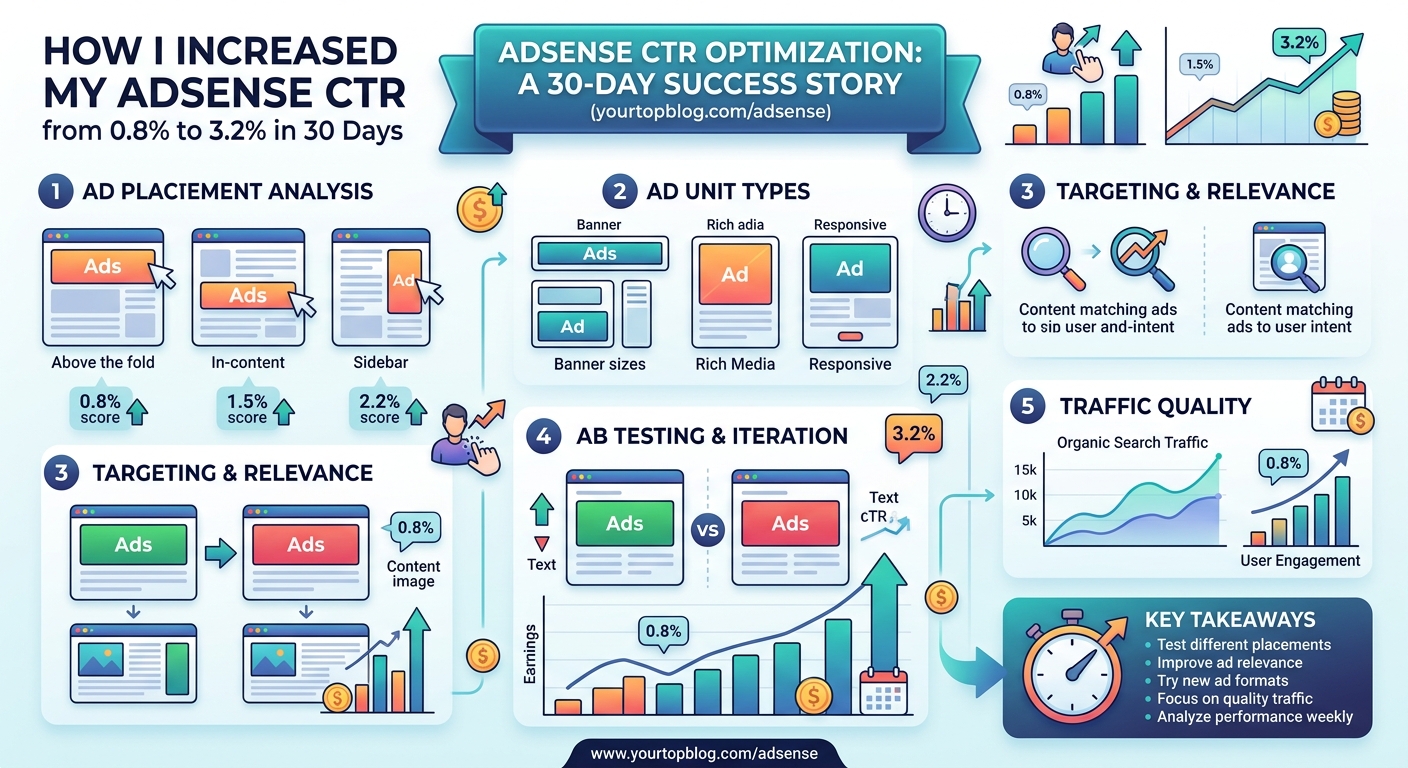
Where you place ads matters more than how many you use. Users scan pages in predictable patterns, and your ads need to sit in those natural viewing zones.
The most effective placements include:
- Above the fold but below your main headline
- Within the first two paragraphs of your content
- Between sections where readers naturally pause
- At the end of articles when users decide their next action
- Inside content as in-article ads that blend with text
Avoid placing ads in your header or immediately at the top of the page. Users arrive looking for content, not advertisements. Give them value first, then present ads where they naturally break from reading.
Sidebar ads perform poorly on mobile devices, which now account for most web traffic. Prioritize in-content placements that work across all screen sizes.
The best ad placements feel like a natural part of the reading experience, not an interruption. When users pause to process information, that’s your opportunity.
Matching ad formats to your content type
Different content formats call for different ad types. A long-form tutorial benefits from in-article ads that break up text. A photo-heavy recipe post works better with display ads between images. A comparison article pairs well with multiplex ads showing several options.
Google offers several ad formats worth testing:
- Display ads work for visual content and image-heavy pages
- In-article ads blend into text content and feel less intrusive
- Multiplex ads show multiple advertiser options in one unit
- Anchor ads stick to screen edges on mobile without blocking content
Start with responsive ad units that automatically adjust size and format. This gives Google’s algorithm room to test what performs best for your specific audience.
Text-heavy content benefits from ads placed every 400-500 words. Visual content needs ads positioned between media elements where users naturally stop scrolling.
The mobile optimization factor
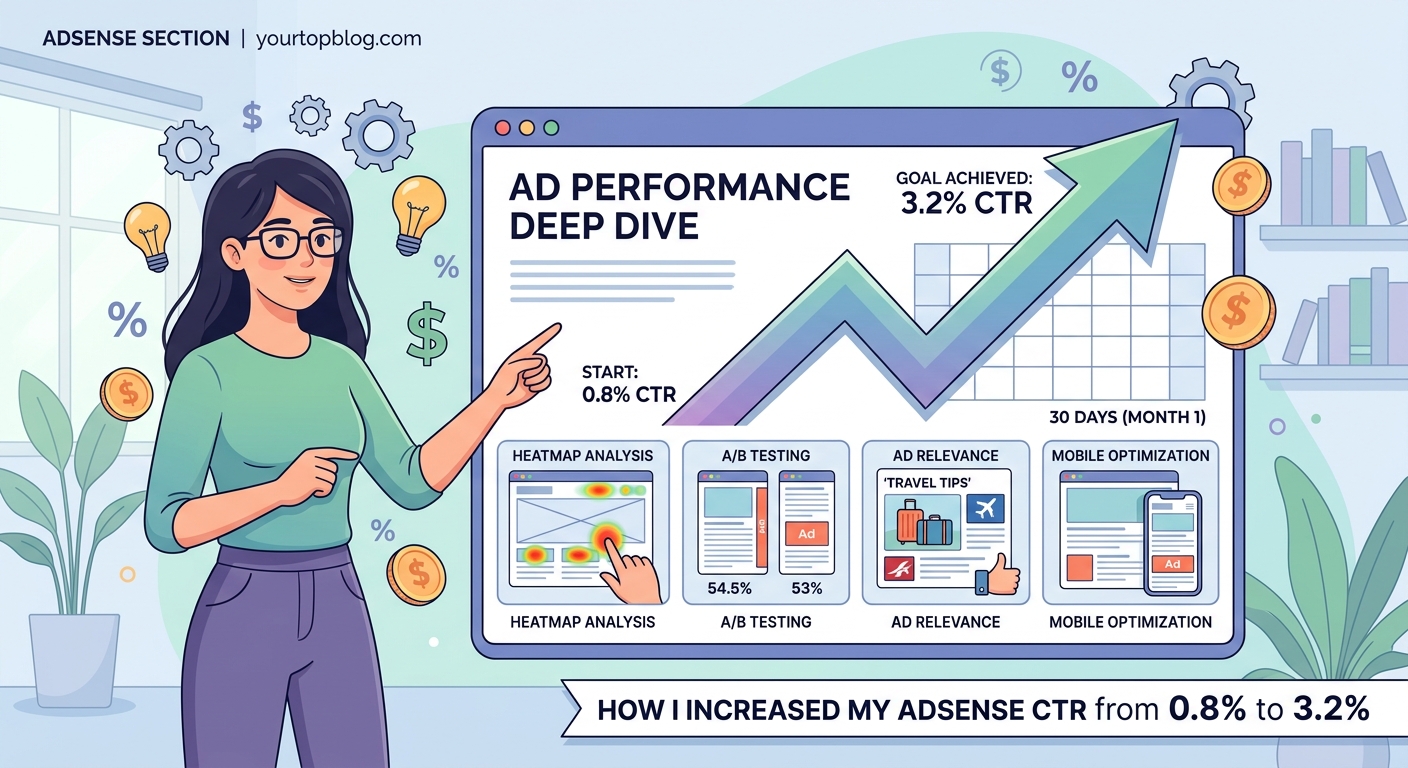
Most of your traffic probably comes from mobile devices. Your ad strategy needs to reflect this reality.
Mobile users scroll differently than desktop users. They move faster, scan more aggressively, and have less patience for poorly placed ads. Anchor ads and sticky footer ads can work well here because they stay visible without interrupting content flow.
Test your site on an actual phone, not just a browser’s mobile view. Click through several articles and note where ads feel natural versus where they annoy you. If an ad makes you accidentally click while trying to scroll, it’s in the wrong spot.
Mobile-specific considerations include:
- Ensuring adequate spacing between ads and navigation elements
- Avoiding ads near buttons users need to tap
- Using vertical ad formats that fit mobile screens naturally
- Testing load times since ads can slow mobile performance
Content quality and commercial intent alignment
Your content needs to attract users who might actually click ads. A deeply personal blog post about your morning routine won’t generate many ad clicks. A comparison of the best budget laptops will.
This doesn’t mean abandoning personal content. It means understanding which articles have commercial intent and optimizing those specifically for AdSense performance.
Commercial intent signals include:
- Users searching for product recommendations
- Comparison or review focused content
- How-to guides for solving specific problems
- Informational content about purchases or services
If you’re wondering how to find low competition keywords that actually drive traffic, focus on terms with buyer intent. These naturally align with advertiser interests and generate more relevant ads.
Testing and iteration process
Improving CTR requires systematic testing. Change one variable at a time and give each test at least two weeks to gather meaningful data.
Follow this testing process:
- Document your current CTR by ad unit and page type
- Make one specific change to placement or format
- Wait 14 days while collecting performance data
- Compare results against your baseline numbers
- Keep changes that improve CTR by at least 15%
- Revert changes that decrease performance or feel intrusive
Use Google’s AdSense experiments feature to run A/B tests on ad variations. This splits your traffic automatically and provides clear performance comparisons.
Common mistakes include several AdSense errors that cost publishers thousands, like testing too many changes simultaneously or not waiting long enough for statistical significance.
Understanding your audience behavior with heatmaps
Heatmap tools show exactly where users click, scroll, and spend time on your pages. This data reveals the perfect spots for ad placement based on actual behavior, not guesses.
Install a heatmap tool like Hotjar or Microsoft Clarity. Both offer free plans sufficient for most bloggers. Run them for at least a week to gather representative data across different traffic sources and device types.
Look for these patterns:
- Where users pause while scrolling
- Sections that get the most attention time
- Areas users consistently ignore
- Click patterns that reveal user intent
Place ads in high-attention zones, but avoid spots where users are actively clicking on your content links. You want attention without creating frustration.
Ad density and user experience balance
More ads don’t automatically mean more revenue. Too many ads decrease CTR because users develop banner blindness and your page feels cluttered.
Google’s policies allow up to three standard ad units per page, but policy compliance and optimal performance are different things. Most successful publishers use two to three well-placed ads rather than maxing out every page.
Consider this comparison:
| Approach | Ad Count | Typical CTR | User Experience |
|---|---|---|---|
| Minimal | 1-2 ads | 2-4% | Excellent |
| Balanced | 3-4 ads | 1.5-3% | Good |
| Aggressive | 5+ ads | 0.5-1.5% | Poor |
Start conservatively and add ads only if data shows it improves overall revenue without tanking CTR. Remember that page RPM (revenue per thousand impressions) matters more than CTR alone.
Ad blocking and viewability considerations
A significant portion of users run ad blockers. You can’t force them to see ads, but you can ensure the users who do see ads are getting viewable, relevant placements.
Viewability measures whether ads actually appear on screen long enough for users to see them. Google only counts impressions for viewable ads, so placement below the fold or in areas users never scroll to wastes opportunities.
Improve viewability by:
- Placing primary ads in the first two screen heights
- Ensuring ads load before users scroll past them
- Avoiding placements at the very bottom of long pages
- Testing lazy loading to improve page speed without sacrificing viewability
Some publishers see success by diversifying income streams beyond AdSense, which reduces dependence on ad revenue alone while potentially improving user experience.
Niche-specific optimization strategies
Different niches require different approaches. A food blog’s optimal ad strategy looks nothing like a tech review site’s approach.
For visual content sites like recipes or photography, place ads between images where users naturally pause. For tutorial content, position ads between major steps. For comparison content, put ads after presenting options when users are ready to take action.
Study successful sites in your niche. Notice where they place ads and which formats they prioritize. You don’t need to copy exactly, but understanding what works in your space provides valuable direction.
Real examples show the impact of niche-appropriate strategies, like how a food blogger scaled to $8,000 monthly AdSense revenue through strategic ad placement aligned with recipe content structure.
Traffic quality and source analysis
Not all traffic clicks ads equally. Users from search engines typically have higher commercial intent than social media traffic. Someone searching “best running shoes for flat feet” is closer to a purchase decision than someone scrolling Instagram.
Analyze your traffic sources in Google Analytics alongside your AdSense data. Look for patterns:
- Which traffic sources generate the highest CTR?
- Do certain countries or regions click more often?
- What device types show better engagement with ads?
- Which landing pages convert traffic to clicks most effectively?
Double down on traffic sources that generate engaged users. If organic search drives your best CTR, invest more effort in SEO. If email subscribers click more often, focus on list building.
Growing targeted traffic compounds your AdSense improvements. Better traffic plus better ad placement creates multiplicative results rather than just additive gains.
Page speed and ad load optimization
Slow-loading ads frustrate users and hurt CTR. If ads don’t appear until after users scroll past their placement, you’ve lost the opportunity.
Optimize ad performance by:
- Using asynchronous ad code that doesn’t block page rendering
- Implementing lazy loading for below-the-fold ads
- Minimizing the total number of ad units per page
- Ensuring your hosting can handle ad script requests efficiently
Test your page speed with Google PageSpeed Insights. If ads are slowing your site significantly, reduce the number of units or implement more aggressive lazy loading.
Balance is key. Faster pages improve user experience and SEO, but you need enough ads to monetize effectively. Start with three well-placed units and only add more if speed remains acceptable.
Color, contrast, and visual integration
Ads should be visible but not jarring. Experiment with ad styles that complement your site design without blending so completely that users miss them.
Google allows some customization of ad appearance. Test different color schemes to find what works for your design. Generally, ads that match your site’s color palette but maintain clear boundaries as advertisements perform best.
Avoid making ads look identical to your content. This violates Google’s policies and damages trust. Users should always recognize ads as ads, but they shouldn’t feel visually assaulted by them.
Building sustainable revenue growth
Improving CTR is one piece of a larger monetization strategy. The most successful publishers combine strong AdSense performance with affiliate programs that actually pay well and other revenue streams.
Think long term. A sustainable 2% CTR beats an aggressive 3% CTR that drives users away. Your goal is maximizing revenue per visitor while maintaining an audience that keeps coming back.
Track these metrics monthly:
- Overall CTR across all ad units
- Page RPM (revenue per thousand page views)
- Bounce rate and time on site
- Returning visitor percentage
If CTR improves but other engagement metrics decline, you’ve pushed too hard. Scale back and find the balance point where monetization and user experience both thrive.
Making AdSense work for your specific situation
Every site is different. Your optimal CTR strategy depends on your niche, audience, content format, and traffic sources. The tactics outlined here provide a framework, but you need to adapt them to your specific situation.
Start with the basics: place ads where users naturally pause, match formats to your content type, and test systematically. Give changes time to generate meaningful data. Pay attention to what your audience responds to, not just what works for other publishers.
Your AdSense performance will improve when you treat it as an ongoing optimization process rather than a set-it-and-forget-it system. Small, consistent improvements compound over time into significant revenue gains.